
An automotive scanner app is a digital tool that connects to your vehicle’s on-board computer and reads your error codes in real time. This technology has transformed the way you monitor the health of your car, allowing you to diagnose problems before visiting an expensive workshop. With the evolution of smartphones, you now have access to professional features in the palm of your hand, saving time and money.
Announcements
The difference between using an automotive diagnostic app and ignoring your vehicle’s warning signs may be the difference between a simple repair and a chaotic expense in the future.You’ve probably seen that red light on the dashboard of the car and felt that cold down your spine, right? With the right app, you can understand exactly what’s going on before calling the mechanic.
What Is an Automotive Scanner App and How It Works
An automotive scanner is a device or software that connects to the OBD-II (On-Board Diagnostics) diagnostic port of your vehicle, present in virtually all cars manufactured after 1996. When you connect the application through a Bluetooth or USB adapter, it establishes communication with the electronic control unit of the engine, allowing you to access real-time and historical data from your car. This communication works through standardized protocols that allow you to interpret vehicle signals in a way understandable to you.
The operation is relatively simple but powerful: the application sends commands to the vehicle control unit, which responds with data on engine performance, emissions systems, transmission, and electrical components.You receive information such as revolutions per minute, engine temperature, fuel consumption, fuel system pressure, and especially any error code that the vehicle may be generating. This constant reading allows you to identify problems before they become serious and costly.
Practical Benefits of Using an Automotive Scanner
Financial savings is the most immediate benefit you experience when using an automotive scanner regularly. Instead of paying diagnostic consultations in specialized workshops, which can cost between one hundred to three hundred dollars just to read the error codes, you do it at home with a single investment in the application and adapter. This savings multiplies when you can identify minor problems before they turn into larger repairs that cost thousands of dollars.
In addition to the economy, you gain control and autonomy over the maintenance of your vehicle, leaving to rely exclusively on third parties to know what is happening with your car. Many owners find that their mechanics were performing unnecessary work, simply because there was no transparency in the diagnosis. With the scanner, you arrive at the workshop already knowing exactly what the problem is, which makes the negotiation fairer and the repair more efficient.
Safety is another crucial factor that you should not ignore, as the scanner allows you to detect failures in critical systems such as brakes, airbags, and traction control before they pose real danger on the road.You can also monitor component wear through performance data, planning preventive maintenance intelligently.In addition, if you are thinking of selling or buying a used car, the scanner offers valuable information on the history of vehicle problems.
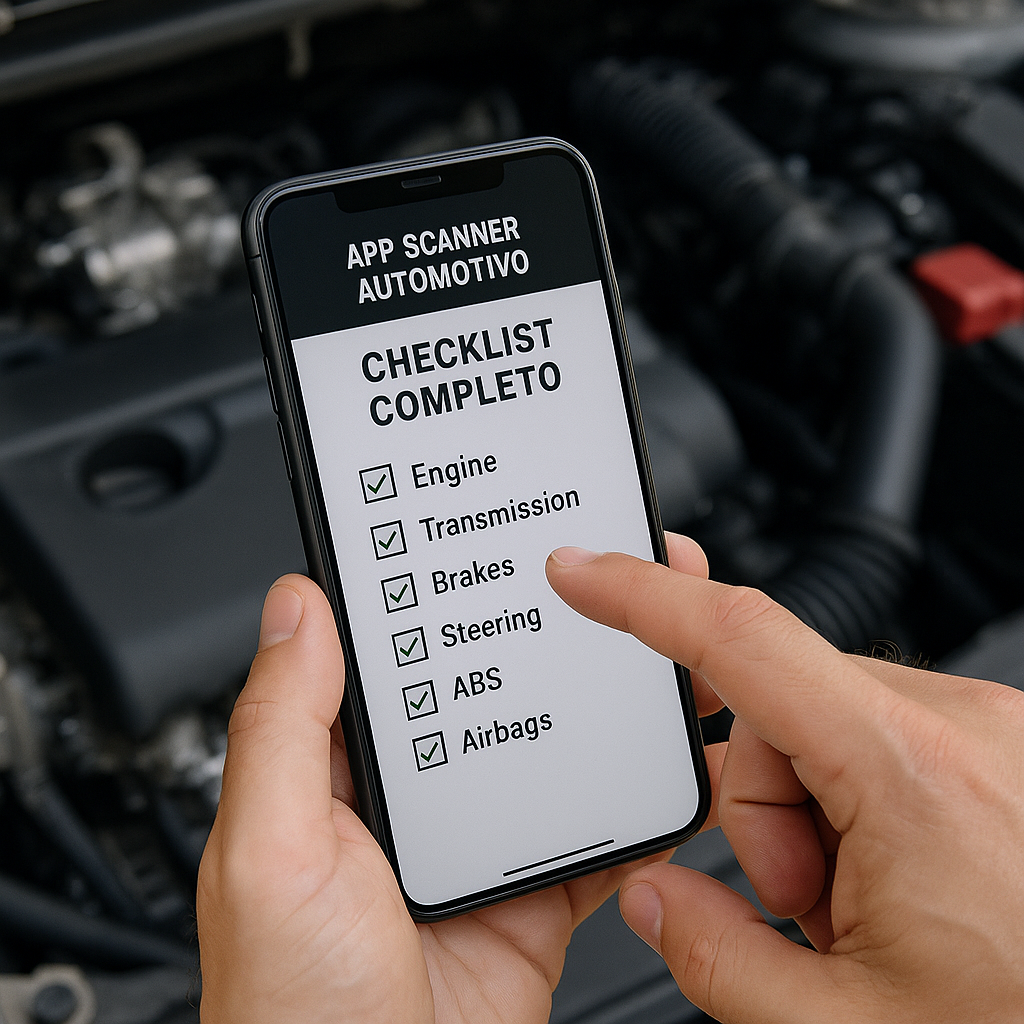
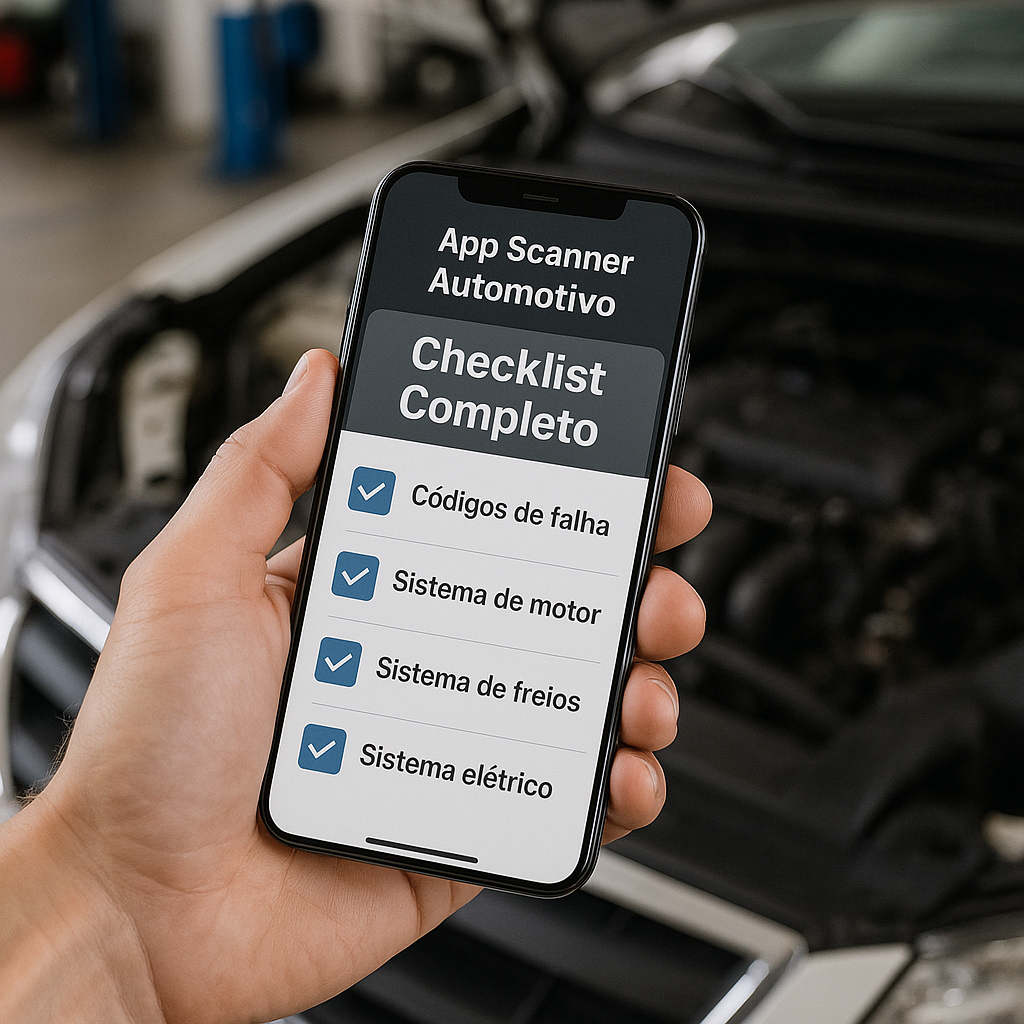
Complete Checklist to Choose and Use an Automotive Scanner
Before anything, you need to check the compatibility between the application and your vehicle, as not all scanners work with all cars. You should check if the application supports the make, model and year of your car, especially if you have a less common or imported vehicle. Many app developers offer detailed compatibility lists on their pages, so take a few minutes for this initial check.
Next, you should evaluate the type of hardware required to connect the scanner to your car. There are OBD-II adapters that connect via Bluetooth (wireless) or via USB directly to the computer, and you need to choose the one that best fits your workflow.Bluetooth adapters offer more convenience because you can use the smartphone inside the car wirelessly, while USB adapters require a computer near the vehicle diagnostic port.
Now you should investigate the specific features that the application offers, because not all have the same capabilities. Some scanners only read error codes (basic functions), while others offer real-time graphics, data history, actuator testing, and even repair recommendations. If you want continuous monitoring of your engine performance while driving, choose an app that offers continuous data visualization and not just error reading.
The quality of the user interface is essential for you to actually use the app regularly, so look for apps with clean, intuitive and well translated design if you prefer in English. A good scanner should display the information clearly, with readable graphics and simple language explanations of what each error code means. You do not want to be struggling with confusing menus while under the car trying to diagnose a problem.
You should also consider whether the app offers reliable technical support, because when you find an error code you don’t understand, you’ll need quick and accurate help.Search for apps that offer active user communities, video tutorials, and responsive customer service.Some developers offer email or chat support, while others have community forums where you can post your question and receive help from other experienced users.
Before you make your first reading, you should invest a few minutes to understand the error codes of your vehicle, as they follow an international standard that may seem confusing at first. The codes start with a letter (P for engine, U for network, B for body, C for chassis) followed by numbers that indicate the specific system affected. You can consult the application documentation or specialized websites to translate these codes into understandable language.
You should establish a routine of regular checks of your scanner, ideally monthly or when you notice any strange behavior of the vehicle. Do not wait until a red light illuminates the dashboard to use the application, because proactive monitoring allows you to detect emerging problems. Record the data you collect in a notebook or digital file to track patterns over time, such as gradual increase in engine temperature or fluctuations in fuel pressure.
When you identify an error code, do not rush to go to the workshop without first researching the specific meaning of your car. The same code can have several possible causes depending on the make and model of the vehicle, so read the reports and explanations offered by the application before jumping to conclusions. Some apps offer automatic analysis that tries to suggest the most likely causes based on the error pattern, but use this as guidance and not as a definitive diagnosis.
You should also learn to differentiate between critical errors requiring immediate attention and minor errors that can wait a few days. A code indicating oxygen sensor failure is usually less urgent than a code indicating brake system failure or airbags.The quality application should help you understand this prioritization, but when in doubt, seek guidance from a trusted mechanic before continuing to drive.
Before taking your car to the workshop, you should document exactly what error codes the scanner has identified, including the date and time of the reading, and how many times the error has occurred. This documentation makes communication with the mechanic much more accurate and prevents him from performing unnecessary work. You can even make a print of app screens showing the graphs and data in real time to take as proof of the problem.
Available Adapter Types and Connections
Bluetooth adapters are the most popular today because they offer comfort and flexibility in use, allowing you to use your smartphone or tablet inside the car without worrying about wires. These adapters are usually small, the size of a thumb drive, and connect directly to the OBD-II port located under the instrument panel. The Bluetooth signal has a range of approximately 10 to 15 meters, which is more than enough for you to be inside your car during diagnosis.
USB adapters offer a more stable and generally faster connection than Bluetooth, being preferred by users who perform deeper or more frequent diagnostics.If you work with professional automotive maintenance or need continuous high-precision readings, a USB adapter will probably be your best choice.The downside is that you need to be close to a computer during use, which limits flexibility over Bluetooth adapters.
Some manufacturers offer hybrid adapters that work with both USB and Bluetooth connection, providing the best of both worlds depending on your needs at the moment.You also find adapters with integrated screens that do not require connection to smartphone or computer, showing the data directly on a small display. These options are useful if you prefer a fully independent experience, without relying on a mobile device.
How to Interpret Data and Codes Correctly
Error codes (DTCs – Diagnostic Trouble Codes) follow a standardized international standard, which means that you can search the meaning of any code from multiple trusted sources.The first character indicates the category of the affected system, so a code starting with P refers to the engine, transmission or related systems. The following numbers indicate the specific subsystem and the type of fault detected, creating a unique code that you can accurately translate.
You should understand that an error code does not necessarily mean that that component is completely broken, as it sometimes only indicates that the system has detected a variation beyond the normal parameters. For example, an oxygen sensor code may mean that the sensor is dirty, disconnected, or actually damaged, and only a more detailed diagnosis will reveal what the actual situation is. The scanner offers the raw data, but the correct interpretation requires additional knowledge about how automotive systems work.
The real-time data the scanner provides (such as engine revs, fuel temperature, air pressure) should be compared with the normal parameters for your specific vehicle. You find these parameters in the owner’s manual or in specialized online databases, and any significant deviation indicates a potential problem. If the engine temperature is consistently above normal even in normal driving conditions, this is a warning signal that deserves investigation.
You should also pay attention to the patterns and history of errors, as a code that appears only once is very different from a code that appears repeatedly. Quality scanners keep records of historical errors, showing how many times a particular code has been read and when these readings occurred. A pattern of intermittent errors can indicate electronic or connection problems, while continuous errors usually mean a definitely defective component or sensor.
Preventive Maintenance and Monitoring With Scanner
The true power of an automotive scanner lies in preventive maintenance, which is when you use the app to track the overall health of your vehicle before problems manifest as critical errors.You can monitor parameters such as fuel consumption, engine temperature, and electrical system voltage to identify gradual degradation that may indicate aging of components.
You should create a system of records, whether digital or paper, where it documents the regular readings of your scanner over time. Record the date, mileage, any error code found, and notes on the behavior of the vehicle during this reading. After a few months of data collection, you will have a clear pattern of the normal performance of your car, and any significant deviation from this pattern becomes immediately apparent to you.
Many owners use the scanner to create a custom maintenance schedule based on the actual data of your vehicle, rather than just following the manufacturer’s generic intervals.If your data shows that the air filter is accumulating dirt faster than normal, you can increase the frequency of changing that specific item. This customized approach ensures that you are spending your money exactly where it is needed, not on unnecessary maintenance.
You can also use continuous data while driving to identify problems related to driving habits, such as too aggressive acceleration, too hard brake, or excessive use of air conditioning.Many scanners offer fuel-saving mode that shows in real time how your actions are affecting vehicle consumption. This turns the app into an educational tool that not only diagnoses problems, but also makes you a more efficient driver.
Limitations and When to Call a Professional
Despite all the information a scanner provides, you should recognize the limitations of this tool and know when it is time to call a professional mechanic.A scanner does not replace the expert knowledge of an experienced technician, who can perform physical inspections, component tests, and diagnostics that go beyond the capabilities of an application. If you identify a critical error code related to safety systems such as brakes or airbags, do not hesitate to seek professional guidance immediately.
You should also be aware that some problems are too complex to be diagnosed just by reading codes, especially electrical flashes that appear only in specific temperature or driving conditions. Scanner data provides valuable clues, but sometimes these clues need to be combined with physical testing and advanced troubleshooting knowledge that only professionals possess. Take the scanner to the workshop and share the information you have collected to help the mechanic find the solution faster.
Problems related to strange noise, vibration, or abnormal suspension behavior often do not generate readable error codes in the scanner, so they require traditional diagnosis.The scanner is excellent for electronic and engine problems, but limited for diagnosing mechanical systems such as manual transmission, differential, or suspension components that do not have integrated electronic sensors.



