
Listen to your old songs on mobile
Announcements
Do you have that collection of songs that marked a time in your life and want to access them on your phone? The good news is that there are practical and efficient ways to listen to your old songs directly from your smartphone. Many people believe that they only need modern streaming platforms, but the truth is that you can upload, organize and play your complete library in a simple way.
Announcements
The theme of listening to old music on mobile involves more myths and truths than it seems. In this guide, we will unveil what really works, what are the best strategies and how you can organize your musical collection to make the most of each song that marked your trajectory.
The Myth of Incompatibility: File Format Is Not a Barrier
Many believe that their old songs in formats like WAV, FLAC or old MP3 will not work on modern mobile. This is an unfounded belief that keeps many people from recovering their musical collections.The truth is that virtually all current cell phones, regardless of the brand, can play the most popular audio formats on the market.
MP3, AAC, OGG, FLAC and WAV formats are widely supported by any music playback application available in the app stores.What changes is only the storage efficiency and sound quality, not the compatibility. A music file from the 2000s will play perfectly on a smartphone released in 2024 without any conversion required.
The Truth About Storage Space and Cloud
You might think that your hundreds of old songs will take up all the space on your phone, leaving little memory for apps and photos. However, the reality is quite different when you use the right tools and understand how cloud storage works. A standard quality MP3 song takes up between 4 and 8 megabytes, which means that you can store up to a thousand songs in a storage of only 8 gigabytes.
In addition, cloud storage services allow you to sync your old music without taking up physical space on your phone. Platforms like Google Drive, OneDrive and iCloud offer free tiers that hold hundreds of music tracks. You access these songs whenever you want, without compromising the memory available for the operating system and other essential applications.
Direct Transfer: How to Copy Your Music to Mobile
The most direct method to get your old music to mobile phone is USB cable transfer. Connect your smartphone to computer, open the file manager and create a folder called “Music” on the device’s internal storage. Then copy and paste your music files directly into that folder using drag-and-drop method, which is simple and intuitive for any user.
After the transfer is complete, disconnect the cable and open your default music playback application. The phone will automatically detect the copied files and add them to your music library.You will be able to create playlists, sort by artist, album or genre, and enjoy your favorite tracks without relying on internet connection or streaming subscriptions.
The Myth of the Old Cell Phone Not Working with Digital Music
There is a belief among some users that old phones can not play digital music properly. The truth is that even smartphones from five or ten years ago were fully capable of storing and playing hundreds of songs simultaneously. The old operating systems, such as Android 4.0 or iOS 6, already had robust audio codecs that ensured smooth playback.
What has changed over the years has been mainly the quality of the speakers, the equalization features and the user interfaces of the applications. But the basic functionality of listening to old music remains virtually identical. If you have a mobile phone that still works, it will certainly be able to play your old songs without any difficulty or need for adaptations.
Free Apps to Manage Your Old Music Library
You don’t have to spend money on paid apps to organize and listen to your old music. There are extremely efficient free options available in the app stores that offer advanced functionality.Neutron Music Player, Shuttle+, and Poweramp offer free versions that let you create playlists, edit metadata, and customize playback to your preferences.
These free apps automatically detect all the music stored on your phone and organize it by artist, album, genre and decade of release. You can add album covers, edit track information and even use equalization features to improve the sound quality of old recordings that may have less crystal clear audio. Most of these apps work perfectly offline without requiring continuous internet connection.
The Truth About Sound Quality of Ancient Songs
A common myth is that old songs in MP3 format will have poor sound quality because they were compressed many years ago with obsolete technologies. The reality is that the audio quality depends exclusively on the bitrate in which the file was encoded, not the date when it happened. An MP3 encoded at 320 kbps in 2003 sounds exactly like an MP3 encoded at 320 kbps in 2024.
What you should check is the bitrate of your music file, not its age. Files encoded at 192 kbps or higher maintain excellent quality for most listeners. If your old songs have been compressed with low bitrates, you can consider them as a maximum quality limit, but this is not the fault of the file, but rather how it was originally processed. If in doubt, refer to the file properties to check these technical information.
Computer Sync: Keeping Your Music Always Up to date
You can sync your music library to your computer to ensure that any new music added to your collection automatically appears on your phone. This feature is especially useful if you frequently discover and download old music that you want to add to your collection. Apps like Syncthing or simple cloud solutions do this transparently and without requiring constant manual action.
Another approach is to use your mobile file manager to access shared folders on your computer over the WiFi network. This way, you can browse your music stored on your PC and play them directly on your smartphone without having to copy everything again. This methodology saves time and space, while maintaining a single source of truth for your entire music library.
The Myth of Continuous Streaming Need to Access Music
Many users believe that they need an active internet connection and a streaming subscription to listen to music on their mobile phone. This is one of the biggest distortions on the current theme.The truth is that you can store your music locally and play them at any time, even in airplane mode or without network access.
Streaming platforms are convenient for discovering new music, but are not mandatory to access your personal library. Many people prefer to combine the two approaches: use streaming to explore new artists and then download favorites for local storage on mobile. In this way, you enjoy an always available collection, regardless of your internet connectivity.
Organizing Your Old Songs by Context of Use
A practical strategy that differentiates simple access from a true musical experience is to organize your tracks by context of use. Create thematic playlists such as “Musics for the Academy”, “Night Relaxation”, “Classics of the 80s” or “Favorite Soundtracks”. This organization turns your library into a versatile tool that accompanies different moments of your life.
The process of creating playlists is extremely simple in any music playback application. Simply select a track, choose “Add to Playlist” and choose an existing category or create a new one. Over time, you will develop a custom structure that makes it easy to find exactly the music you want to listen to in a certain situation, without having to scour hundreds of tracks.
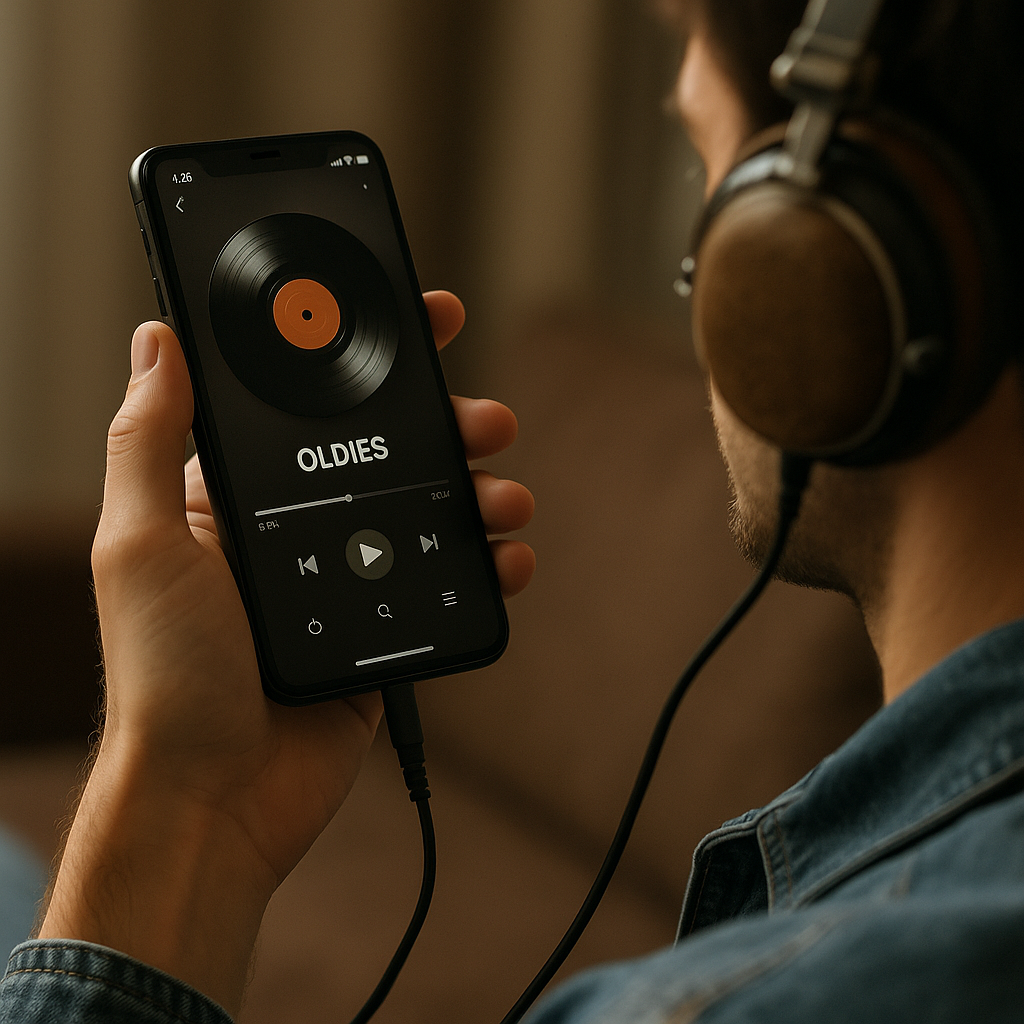
Retrieving Metadata: When Music Information Is Incorrect
Old music files often have incomplete or incorrect information about artist, album and release year.Your mobile will display this wrong information throughout the music application, making it difficult to organize. Fortunately, there are free tools that automatically correct this metadata, identifying the music and filling in the correct information.
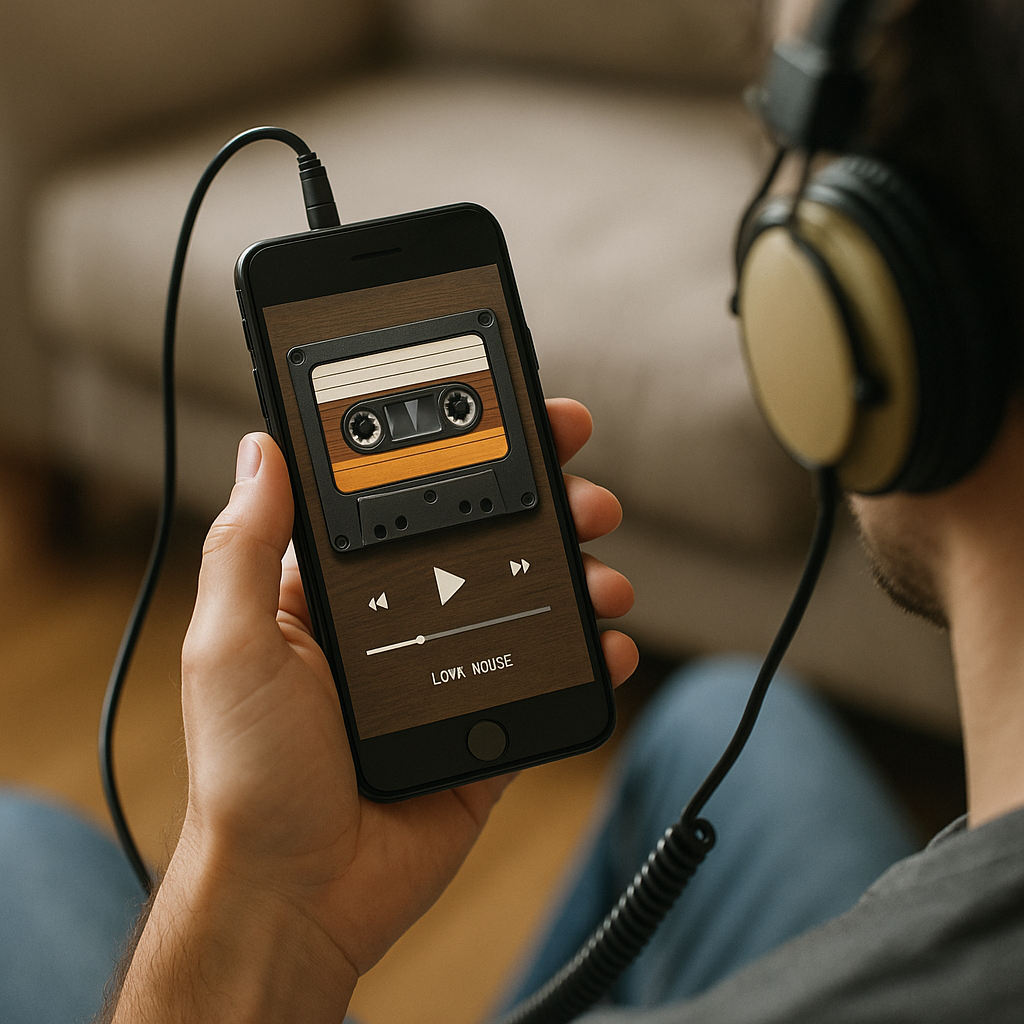
Apps like Musicbrainz Picard work on the computer and adjust the data of your songs before transferring them to the mobile. You can also use metadata editing apps directly on the smartphone to correct specific information. This action, although it seems tedious, significantly improves your experience, allowing the mobile to automatically organize your songs correctly and coherently.
The Truth About Drumming when Listening to Old Songs
You may fear that playing your old songs constantly on the phone will drain the battery quickly.The reality is that audio playback consumes much less power than internet browsing, video streaming or continuous use of the camera. A two-hour session listening to local music consumes only 10 to 15% of the battery in modern devices.
In addition, when you play locally stored music, you are not activating the cell phone radio to connect to the internet, which also saves battery. Using headphones instead of the built-in speaker further reduces energy consumption. You can confidently listen to your old songs all day long without worrying about the battery life of your device.
Audio Formatting: FLAC Versus MP3 For Cellular Storage
One technical issue that causes confusion is the choice between different audio formats. FLAC offers compression without loss of quality, but the files are much larger, taking up three to four times more space than MP3. If you have unlimited space on the phone or want maximum quality, FLAC is excellent, but MP3 at 256 kbps or higher offers virtually indistinguishable quality for most users and takes up much less space.
The choice between these formats depends on your specific case. If you have a large collection of old songs and limited storage space, MP3 is more practical. If you have a few gigabytes of music and want maximum sound quality, FLAC is worth it. Most modern cell phones support both formats equally well, then the decision is purely based on space and quality preferences.
Myth: Very Old Songs Will Not Work on Modern Cell Phones
There is a belief that the older the music, the less compatible it will be with current devices. This is a completely incorrect interpretation. A 1999 MP3 file works perfectly on an iPhone or Android 2024. Audio formats do not suffer technical obsolescence, and audio decoders remain compatible across generations of operating systems.
What has changed over the decades is the quality of the original recordings and the compression method. But this does not affect compatibility. You can listen to music from the 1980s that was scanned and converted to MP3 in 2005 without any problem on any mobile phone released in the last ten years. Compatibility is guaranteed by the technical standard of the format, not by the date of origin of the music.
Music Sharing Between Devices
If you have multiple devices, you can share your library of old music between them using simple cloud solutions. Services like Google One, Amazon Drive, or Microsoft OneDrive let you upload your music collection and access it from any phone, tablet, or computer you log in to. This approach eliminates the need to transfer files multiple times.
Another solution is to use specialized applications such as Plex or Subsonic, which turn a computer into a remotely accessible music server. You set up once and can stream your old music to any internet-connected device, anywhere in the world. These alternatives are especially useful if you share the music collection with family or friends.
Editing Track Information Directly on Mobile
You don’t always have to return to your computer to fix information from your old songs.Many music playback apps let you edit metadata directly on your phone. Just select a track, access its properties, and modify artist, album, year, or genre as needed. Changes are saved to the original file and synced to other devices if you use cloud.
This feature is particularly valuable for rare songs, independent covers or home recordings that lack standard information. You can add descriptions, custom tags and even notes about the context in which the music was added to your collection. This customization turns your library into a truly personalized collection that reflects your individual musical history.
Playback Speed: A Feature Often Ignored
Most music playback apps offer playback speed control, allowing you to increase or decrease the track speed between 0.75x and 2x normal speed. For older songs you may already know well, this functionality allows you to revisit them in a different context. Accelerating an emotional song can create a light, lively feel, while slowing down a fast song can reveal details you hadn’t noticed.
This feature is especially useful for studying, exercising or meditating with old songs. If you want to learn the lyrics of a 1970s song, slowing down makes it easier to understand each word. If you want more intense cardio, speeding up your favorite songs syncs seamlessly with your running pace. Explore this often overlooked feature and discover new dimensions of your classic songs.
Creating Backup of Your Music Library
Protecting your collection of old music is critical to not losing this valuable collection. Keep copies in at least two different locations: one on your computer and one on a cloud service. This way, even if your phone is lost or damaged, you can restore your entire library quickly on any new device.
Backup regularly, especially if you frequently add new music to your collection.Automated cloud sync tools perform this process without requiring manual action.You can also create external hard drives with periodic copies for maximum security.Investing time in backup now saves frustration and loss of personal memory in the future.
The Truth About Quality Headphones for Ancient Music
There is the myth that you need expensive and state-of-the-art headphones to enjoy old music. The truth is that the sound quality is determined mainly by the quality of the original file, the hearing health of the listener and the environment.Middle-range headphones can faithfully play any music file stored on your mobile.
A headset with flat frequency response and good sound insulation is enough to fully appreciate your old songs. You do not need to spend hundreds of dollars on premium equipment.Many affordable headphones offer audio quality comparable to expensive equipment.The most important thing is to use headphones that are comfortable for prolonged use and that faithfully reproduce the frequency range of your favorite music.



