
See conversations with parental control
Announcements
Parental control is an essential tool for those who want to maintain the digital security of their children. Monitoring the conversations of children online allows you to identify possible risks, such as bullying, contact with strangers or exposure to inappropriate content.
Announcements
The importance of keeping track of children’s digital interactions has grown exponentially in recent years.With messaging apps, social networks and communication platforms available on any smartphone, staying informed about what your children do online has become a fundamental need for modern parents.
Why monitoring conversations is important for child safety
Monitoring children’s conversations goes beyond simply checking messages.It is about creating a layer of protection against online predators, cyberbullying and negative influences that can impair the emotional and psychological development of minors.When you have access to conversations, you can identify patterns of worrying behavior before they evolve into more serious situations.
Criminals often try to gain the trust of children through seemingly innocent conversations in order to extract personal information or find it in person. In addition, schoolmates can use messaging apps to bully away from the reach of adults.
Another crucial aspect is to understand that children do not yet have the full cognitive maturity to assess digital risks. The human brain continues to develop until approximately 25 years, and the area responsible for rational decision-making is one of the last to develop. Therefore, you should not feel guilty when monitoring conversations, as it is playing a key role in the integral protection of your child.
How to view conversations with parental control: methods and tools
There are several approaches you can use to monitor children’s conversations effectively and responsibly.Each method has different characteristics, and the choice will depend on the type of device used, the age of the child and the level of transparency you want to maintain. The combination of multiple strategies significantly increases the effectiveness of monitoring.
The first method involves the use of specialized applications in parental control. Tools such as Google Family Link, Apple Screen Time, Microsoft Family Safety and third-party applications allow you to see conversation histories, block suspicious contacts and set up age-appropriate restrictions.You can install these applications on the child’s device and manage everything remotely through your own smartphone or computer.
The second approach consists of establishing master passwords or administrative accounts that you control.In many operating systems, it is possible to create a child account linked to the parent account, allowing you to have full visibility into activities and content.
A third method is to use more robust parental monitoring software such as Kaspersky Safe Kids, Qustodio or Net Nanny. These platforms offer advanced features such as location tracking, web content filtering, social media monitoring and detailed reports on online activities.
In addition to technological tools, you can also count on dialogic transparency.Keeping regular conversations with your children about their online activities, establishing clear rules and creating an environment where they feel comfortable sharing their problems is as important as any software.
Essential checklist to implement effective parental control
To ensure that you are implementing a truly effective parental control system, it is critical to follow a structured checklist.This checklist helps you not to forget any important details and to keep monitoring consistent and proper.
First, confirm that all the child’s devices (smartphone, tablet, computer) have some form of parental control enabled. You should check that the device’s operating system (iOS, Android, Windows) has native features configured properly.Do not leave any device unprotected, as this would create a loophole in your security strategy.
Second, establish which messaging and social networking apps your child is allowed to use. You should make a complete list of all communication platforms that the child has access to, including WhatsApp, Instagram, TikTok, Discord, Snapchat and others.Make sure that you are monitoring all of them, not just the most obvious ones.
Third, create a strong and unique password for your admin parental account.You need to ensure that no one else has access to parental control information. Write down this password in a safe place and change it periodically, preferably every three months.
Fourth, regularly review the history of conversations and activities.You should establish a specific schedule, such as weekly or every two weeks, to check the child’s interactions.Annotating behavioral patterns and changes helps identify problems before they become serious.
Fifth, validate the authorized contact list.You must confirm that each contact your child is talking to is a reliable and age-appropriate person.If you find unknown contacts, investigate or restrict access immediately.
Sixth, set up automatic alerts for worrying keywords. You can establish that certain dangerous expressions or topics generate automatic notifications on your phone. This practice significantly increases your ability to respond quickly to risky situations.
Seventh, adjust privacy settings across all social platforms. You should restrict who can send direct messages to your child, who can see the profile, and what information can be shared publicly.Many social networks have smaller-specific modes that intensify these protections.
Eighth, hold open and honest conversations with your child about online safety.You should not treat monitoring as something secret or punitive. Clearly explain that it is for love and protection, and that you are there to help if something wrong happens.
Advanced strategies for viewing conversations with parental control
In addition to the basic approaches, you can implement more sophisticated strategies to ensure even greater protection. These advanced techniques are especially useful when you deal with teenagers who may try to bypass basic parental control systems.The combination of multiple layers of security creates a virtually impenetrable system.
An effective strategy is to use two-factor authentication on all accounts related to your child. You configure any login attempt to require your approval through a second device. This prevents the child from accessing specific accounts without your knowledge or creating secret accounts.
Another approach is to implement DNS (Domain Name System) monitoring. You configure your home router or use filtered DNS services that block inappropriate websites at the network level. This is particularly effective because it protects all devices connected to the network, regardless of the operating system.
You can also use traffic monitoring applications that analyze what is being downloaded and sent by devices. These programs can detect attempts to bypass filters, such as VPN use or proxies, and alert you immediately. Some more advanced software can even capture screenshots of suspicious activity.
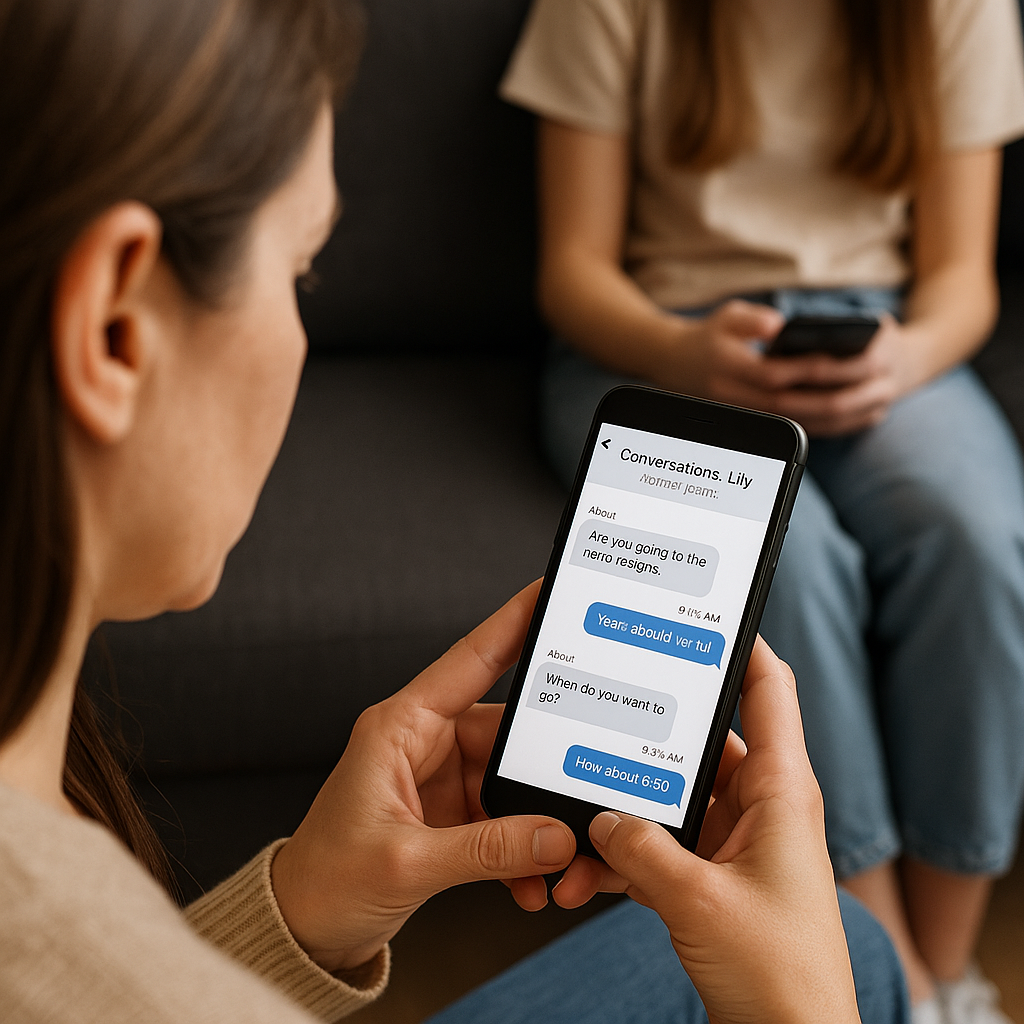
Implementing time restrictions is another valuable strategy.You set up certain apps or the entire device to be unavailable at specific times, such as during meals or at night. This practice helps protect the child’s sleep and creates moments of digital disconnection fundamental to healthy development.
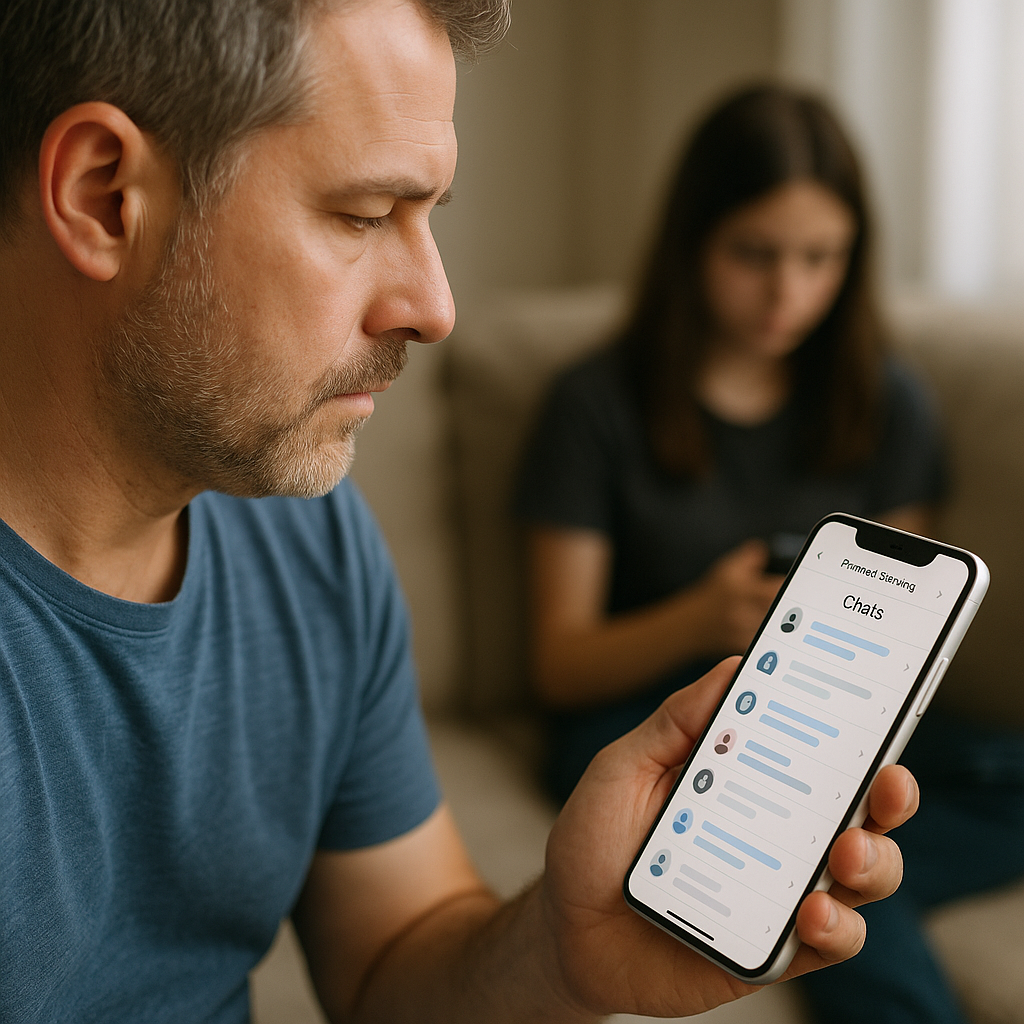
Creating a limited user account for the child, rather than an account with administrator privileges, gives you additional control. You, as an administrator, have authority over which programs can be installed, which peripherals can be connected, and how the operating system is configured. This makes it much more difficult for the child to make changes without your consent.
Respecting privacy while maintaining security
One of the biggest challenges of parental control is finding the balance between protecting your child and respecting their privacy and increasing autonomy. You should understand that as the child ages, their need for privacy increases, and overly invasive control can damage their relationship and create mistrust.
Start by setting clear rules from the beginning.You should talk to your child explaining that certain online activities will be monitored, not as punishment, but as a protective measure.Being honest about what you are monitoring prevents the child from feeling like they are being secretly watched, which often results in dishonest behavior.
As your child grows, you can gradually reduce the level of invasive monitoring. For example, you can move from monitoring all messages to just checking the contact list and general usage time.This gradual privacy grant process helps the child develop digital responsibility and trust in you.
Always ask yourself if the information you want to monitor is really necessary for your child’s safety. You don’t need to know every detail of every conversation; it’s enough to have general access and know how to intervene quickly if something seems worrisome.
Communicate clearly that you are protecting against external threats, not invading your life. You can say something like “I am here to ensure that no one is trying to hurt you or do something inappropriate.I trust you, but I protect you from bad people on the internet.” This language reinforces that monitoring is about external protection, not personal distrust.
Establish fair and proportionate consequences if you discover problematic behaviors.You should not punish severely when discovering that your child has been innocently exposed to something inappropriate.
Common problems and how to solve them
By implementing parental control systems, you will likely face some technical challenges and problems. Understanding these common difficulties and knowing practical solutions ensures that your system works consistently and reliably. Most problems have simple resolutions when you know where to look.
A frequent problem is when the child is able to disable parental control or access blocked applications. You can solve this by checking whether the parental control password is really strong and different from the password that the child knows. Many parents use weak passwords or passwords that children can easily guess. If the child has repeatedly disabled, consider changing the password regularly and not sharing it.
Another common challenge is when apps do not work properly with parental control enabled. You can resolve this by updating both the app and parental control software to the latest versions. If the issue persists, consider contacting developer technical support or searching application-specific forums.
Data synchronization can be problematic when you monitor multiple devices. You must ensure that all devices are connected to the same parental control account and that cloud synchronization is enabled. Some information may take a few hours to sync, so patience is required.
False positives in alerts is another common problem. You may receive keyword notifications that do not really indicate a real problem. You can solve this by adjusting the keyword list to be more specific and relevant by removing words that appear in innocent contexts. Regularly reviewing your alerts helps refine the system.
Excessive battery and memory consumption can occur with some monitoring applications. You can optimize this by disabling certain non-essential features (such as continuous GPS tracking) or by using lighter applications that offer the core functionality without overloading the device.
Conflicts between different parental control applications can also arise.You should never install multiple parental monitoring systems simultaneously, as they often conflict with each other. Choose a single system and configure it thoroughly before implementing any other.
Digital education as an essential complement to parental control
While technical parental control tools are valuable, you should understand that digital education is equally important and perhaps even more effective in the long run. Teaching your child to be responsible online, recognizing risks and making wise decisions creates a much more powerful internal protection than any external software.
You should teach your child about the different types of online threats, such as phishing, scams, predators, and bullying. Showing real (but age-appropriate) examples of how these situations develop helps the child recognize warning signs.Educated children can identify and report suspicious behavior much better than those only monitored.
Establish regular conversations about password security, sharing personal information and the dangers of meeting strangers from the internet in person. You can do role-plays to demonstrate how a predator can try to gain confidence gradually. These practices significantly increase the risk awareness of the child.
Teach also about digital permanence and how online behaviors can have lasting consequences. You should explain that posts, messages and photos can be captured and shared endlessly, even after deleted. This understanding helps the child to be more careful with what he shares online.
Encourage your child to talk to you when something online makes them uncomfortable or scared. You create this safe environment by being understanding and not punitive when your child reports a problem. If the child feels that they will be punished for telling about something bad they have encountered online, they will probably try to hide future risk situations, making them more vulnerable.
Modeling responsible behavior online is crucial.You must demonstrate through your own behavior how to use the internet safely, respect other people’s privacy and think critically about content.Children learn more by example than by words, so your online conduct significantly influences theirs.



