
Parental Controls to Monitor Messages
Announcements
Parental control is an essential tool for parents who want to keep track of their children’s digital security.Viewing conversations and monitoring messages allows you to identify risks, protect against predators and ensure a safe online environment.
Announcements
With the growth of smartphone and messaging apps, understanding how parental monitoring tools work has become critical for anyone who wants to keep their children safe.This comprehensive guide shows you everything you need to know about parental control for monitoring messages.
Why Monitor Your Children’s Conversations
Monitoring your children’s messages is not about invading privacy, but about doing your duty as their security officer. Online predators often approach children through messaging apps, establishing fake relationships before trying face-to-face encounters.By seeing conversations regularly, you can identify suspicious behavior and intervene in time.
In addition to predators, your children may be victims of cyberbullying, blackmail, or exposure to inappropriate content through direct messages. Children do not always notice when they are being manipulated or when someone is threatening them. Tracking conversations offers real protection against these scenarios, allowing you to guide your children about healthy online relationships and recognize early warning signs.
Native Parental Control Tools on Smartphones
Most modern smartphones offer native parental control features that you can activate without downloading additional apps. On iOS, you use the Screen Time tool to limit access to apps and see the time spent on each. On Android, Google Family Link lets you manage permissions, view activities, and control which apps can be installed directly from your phone.
These native solutions have the advantage of being integrated into the operating system, working reliably and without consuming too much battery. You can set rest times, block inappropriate websites and review general activity history.However, native tools often offer limited visibility into the specific content of messages, showing only which applications were accessed and for how long.
Specialized Parental Monitoring Apps
If you want to see specific conversations from applications such as WhatsApp, Telegram or social networks, you need to use a specialized monitoring application. These apps work by installing a client on your child’s device, which periodically sends data to a dashboard that you access on your own phone or computer.Many solutions allow you to view text messages, images, videos and even VoIP calls.
Apps like mSpy, FlexiSPY, and similar offer advanced monitoring features including real-time location tracking, auto-screen capture, and browser activity logging. Setup often requires physical access to your child’s device for a few minutes. These services work on both iOS and Android, although the range of features varies by operating system and installed app version.
The main disadvantage is that many of these applications require a monthly or annual subscription, costing between $ 50 and $ 300 depending on the platform and resources. In addition, you should consider legal and ethical issues, since monitoring someone without consent can violate privacy laws in some jurisdictions, even when it comes to minors. The ideal is to discuss with your children that you will use these tools and establish a mutual trust agreement.
How to Set Up Google Family Link
Google Family Link is one of the most affordable and free solutions to keep track of your children. To get started, you need to have an active Google Account and a separate Android device to manage the settings. Go to the Google Play Store, download the Family Link app and create a family account linked to your main account.
After installation, you add your child as a supervised family member using your email or by creating a child email through Family Link. On your child’s device, you also need to install the Family Link app in the child version. Once connected, you can see which apps were installed, how long the screen was used, block specific apps, and even restart the device remotely.
To view specific messages, you need to use complementary features such as access to Google activity history and supervised browsing.Family Link offers weekly reports on the overall use of the device, helping you understand your child’s digital habits.The tool also allows you to set automatic rest times, blocking general access to the device during periods you specify, such as evenings and class times.
How to Use iOS Screen Time for Supervision
If your kids use iPhone or iPad, Screen Time is the built-in iOS tool for parental control. Go to Settings > Usage Time > Set Usage Time, choose the “This is my kid’s iPhone” option, and create an access code that only you know. This code prevents your child from changing parental control settings without your permission.
With Screen Time set up, you control access to specific apps, set time limits for app categories, and manage in-app purchases.To view activity history, you use the Usage Time section, which shows which apps were used the most and for how long. You can also see which contacts your child is calling or messaging via iMessage and Facetime when accessing the communications report.
A powerful feature is the Content Filter, which automatically blocks inappropriate websites and restricts certain types of content in the App Store. However, as with Android, iOS does not allow you to view the exact content of messages through the native tools, only the record of who was contacted. For this, you would need third-party apps installed on the device.
Frequent Questions About Parental Control and Message Monitoring
Many parents have common questions about how to implement parental control effectively and ethically. Answering these questions helps you make informed decisions about which tool to use and how to approach the subject with your children.
What Is the Best Age to Start Monitoring?
Experts recommend starting some kind of supervision from the age of 8, when many children begin to have access to smartphones. However, the level of monitoring should vary according to the age and maturity of your child. For young children, more stringent controls are appropriate, blocking most apps and limiting screen time.As your child grows, you can relax some restrictions and focus on discreet monitoring of conversations, since adolescents need privacy to develop their identity.
At age 13, when many teens go into social networks and messaging apps, increasing conversation monitoring is especially important. At this age, they are more exposed to risks like contact with strangers and peer pressure.Talking openly about why you are monitoring and what you are looking for (signs of danger, not curiosity about relationships) helps maintain trust while maintaining security.
My Son Found out I’m Monitoring Him. What Do I Do?
If your child has discovered monitoring, it is important to be honest and calmly talk about your intentions. Explain that you are not trying to invade privacy, but ensure that he is safe online. Make it clear that certain behaviors and situations (contact with strangers, sharing personal information, signs of harassment) are legitimate reasons for parental supervision.
An effective strategy is to negotiate a deal where your child knows you can review their conversations, but you will only do so if you suspect a problem or randomly at specific intervals. This reduces privacy invasions while maintaining the supervisory element. Teens who understand the logic behind the rule and participate in its formulation tend to accept it better than those who feel they are being spied on secretly.
Does Parental Control Work If My Child Uses VPN or Proxy?
Full monitoring apps can circumvent VPNs to some extent because they track activity on the device itself, not just the internet connection.However, virtual private networks can bypass network-level content blocks.If your child is technically inclined and uses VPN to bypass restrictions, this is a sign that he is trying to hide something and deserves a serious conversation.
Children who understand why rules exist and trust that you are seeking to protect them are less likely to try to circumvent them. If your child continues to try to evade supervision despite conversations, you may need to increase controls or seek help from a family counselor to address underlying problems.
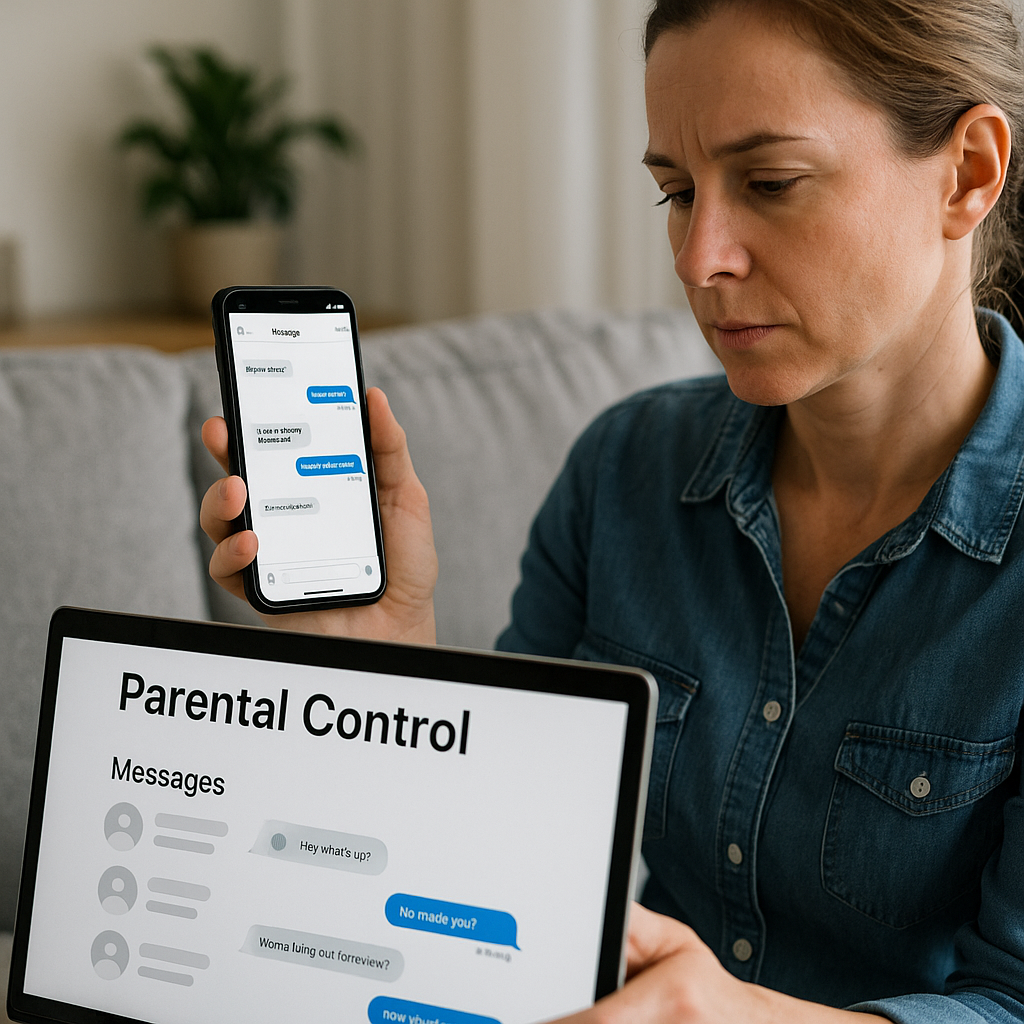
Can I See Deleted Messages from My Son’s Whatsapp?
Viewing deleted messages is technically possible only if you have full access to the device data backup or use a specialized application that takes automatic screenshots before the message is removed. WhatsApp has an automatic backup function in Google Drive or iCloud, which some monitoring tools can access. However, once a message is deleted from the latest backup, recovering it is virtually impossible without advanced forensic tools.
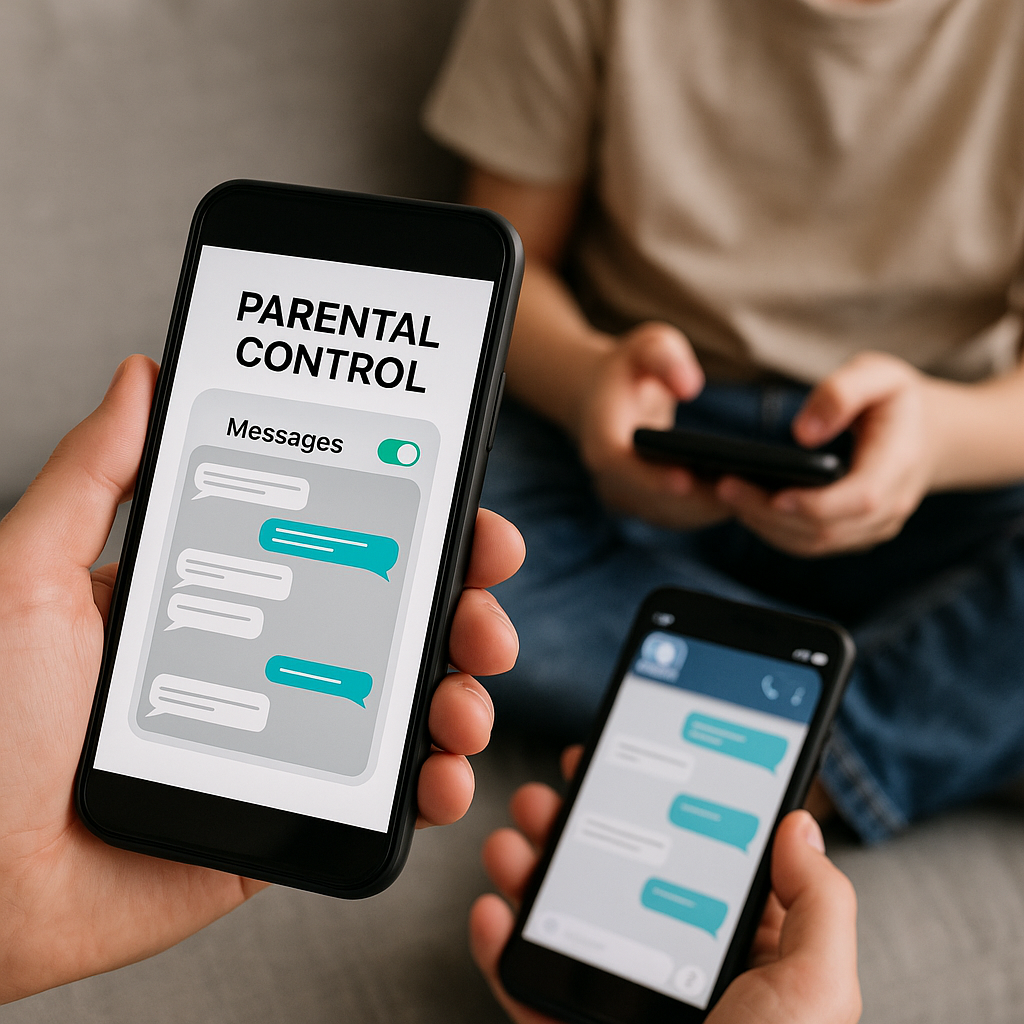
WhatsApp also offers the option of automatically disappearing messages, set by the sender. In this case, even you will not be able to see the content if you have not captured the message while it was visible. The best strategy is to monitor conversations in real time, not try to recover deleted messages.Focus on suspicious behavior patterns, changes in frequency of use and signs that your child is in discomfort with someone you are talking to.
What Message Apps Should My Child Avoid?
Anonymous apps like Whisper, Ask.fm and Confess allow strangers to send messages without identifying themselves, significantly increasing the risk of harassment and predation.Dating apps like Tinder and Bumble are also unsuitable for minors as they are designed for adults and allow conversations with strangers. Snapchat is popular with teens but offers very little data retention, making it difficult to monitor and allowing malicious users to request photos discreetly.
It’s not necessarily about banning these apps altogether, as many teens find ways to access them even blocked. Instead, discuss why certain apps are risky, set up parental locks for more problematic apps, and monitor your child on safer apps like WhatsApp, Telegram, and traditional social networks.Talk about the importance of never sharing personal information, location, or photos with strangers online, regardless of the app you use.
How Do I Know if My Child Is At Risk Online?
Warning signs include abrupt changes in behavior, such as refusal to show what he is doing on his cell phone, social isolation, depression or aggression after using his cell phone, and new “online friendships” that he has never met in person. Messages that indicate someone is asking to keep secret, request photos or encourage face-to-face encounters are extremely worrying and require immediate action. Also note if your child is receiving gifts or money from people online that he does not know.
If you suspect your child is being harassed or exploited, do not blame or prohibit him from accessing the internet as immediate punishment. Instead, talk calmly, gather evidence of problematic conversations and seek help from authorities specializing in cybercrime.Many regions have specialized police stations or online reporting centers. Also report to the corresponding application, which usually removes the predator and cooperates with investigations.
Best Practices for Implementing Parental Control
Implementing parental control effectively goes beyond just installing an app and spying on your child. You should create a trusted environment where monitoring works as a protection tool, not as punishment or invasion of privacy.Start by talking to your child about why you want to monitor, explain the actual risks online and make it clear that the rules exist to protect you, not to control you.
Set clear limits on which devices will be monitored, at what times, and what level of privacy it can expect. For older teens, you can offer privacy in certain areas in exchange for transparency in others. For example, you do not read each message on WhatsApp, but you retain the right to review occasionally if you suspect a problem. This balanced approach reduces resentment while maintaining essential security safeguards.
Stay up to date on the platforms your child uses. Download the popular apps yourself and understand how they work, what privacy features there are and where to chat with strangers is easier. This allows you to monitor more effectively and have more informed conversations with your child about online safety. Ask your child to explain how they use each app, who their online friends are and why they like each platform.
Review the privacy settings on your child’s profiles regularly.Make sure that their social media accounts are in private mode, that the shared location is limited, and that the settings of who can send messages are restricted.Many teens do not know how to properly configure privacy, leaving themselves vulnerable. By helping them in this process, you offer practical protection while teaching important digital skills.
Finally, recognize that parental control is a temporary tool. As your child grows, you should gradually relax the restrictions and build his ability to make safe decisions independently.The ultimate goal is not to keep him monitored forever, but to educate him so that he can safely navigate the digital environment on his own as an adult.
Legal and Ethical Considerations
Before implementing any parental monitoring tool, you should understand the legal context in your region. In many countries, monitoring a minor living under your roof is legal, especially if he is a minor. However, some states and countries have specific laws that define the limit of privacy that minors are entitled to, even at home. The European Union, for example, has stricter regulations regarding the privacy of minors.
Using monitoring apps without your child’s knowledge or consent can be considered an invasion of privacy in some legal contexts, regardless of whether they are a minor. We strongly recommend that you inform your child about monitoring and how it works by creating a device usage agreement that you both agree to. Documenting this agreement provides legal protection should any issues arise later.
Ethically, you should consider whether monitoring is proportional to perceived risk. Monitoring an 8-year-old more rigorously is appropriate, but monitoring every message from a 17-year-old can damage trust more than protect.The goal is to find a balance where your child feels respected and confident in you, while you keep his safety in mind. Never use the information obtained through monitoring to humiliate your child or threaten him.
Alternatives to Direct Message Monitoring
If you feel uncomfortable directly monitoring messages, there are alternative approaches that offer protection while maintaining more privacy.Education is the first line of defense against online risks.Teach your child to recognize warning signs in conversations, such as questions about location and physical appearance, invitations to meet in person, and attempts to establish secret relationships with adults.
Open communication is another powerful strategy.Create an environment where your child feels comfortable coming to you if something strange or scary happens online.Promise that you will not punish him immediately if he reports a problem, even if he has done something that broke the rules.Many teenagers do not reveal harassment or predation because they are afraid of being punished for accessing an app that should be banned or because they receive suggestive messages that made him uncomfortable.
Active supervision, without necessarily seeing each message, is another approach. You sit together with your child, see who your contacts are, discuss about some people with whom he talks and establish rules about who can or can not send messages. This offers some visibility without total invasion of privacy. You can also use keyword alerts in some monitoring applications, which notify you only if certain suspicious terms appear, rather than sending all messages.
Emerging Technologies in Parental Control
New technologies are constantly improving available parental control tools.Artificial intelligence can now analyze online behavior patterns to identify signs of predation or cyberbullying, alerting parents without requiring them to read each message manually.Some modern apps use sentiment analysis to detect when your child may be suffering or in distress based on the tone of their conversations.
AI-based blocking is also evolving to be more sophisticated, blocking not only known harmful websites but detecting new and harmful content in real time. Integration with voice assistants and smart home devices is also opening up new possibilities for supervision, allowing parents to monitor activities without being physically present.
Smartphone manufacturers are expected to implement more robust parental control tools natively in the future, without requiring third-party apps. This would offer better protection with fewer data privacy concerns, as sensitive information would not leave the device.Some experts also predict that social networks and messaging apps will offer smaller-specific versions with better security features built in from the start.
Keeping up with these technological changes helps you make more informed decisions about which tool to use. What is effective today may become obsolete in a few years, so you should periodically review your parental control strategies as your child grows and new platforms and risks emerge. Participating in parent forums and following digital security experts for minors keeps you updated on current best practices.



