
Free WiFi: How to Connect Without Paying
Announcements
Free WiFi is a reality closer than you think, and many people do not know how to take advantage of this opportunity.If you want to save on the internet or need connection at specific times, there are several legitimate ways to get a network without additional costs.
Announcements
In this article, you will discover from the simplest and most straightforward options to lesser-known strategies to connect to the internet for free.Let’s explore public places, useful applications and practical tips that really work in everyday life.
Where to Find Free WiFi in Your City
Public spaces are your best allies when it comes to free connection. Public libraries, museums, community centers and city halls usually offer open networks for those who need to connect. You just need to enter the site, look for the network available on your mobile or computer and connect. Many of these places leave the password visible at the reception or in warnings on the walls.
Shopping malls and shopping centers are also great options to pick up free WiFi at no cost. Most of them keep public networks running throughout their opening hours, precisely to attract and keep customers browsing longer. You can sit in a food court or common area and work quietly, since many of these networks have no connection time limit.
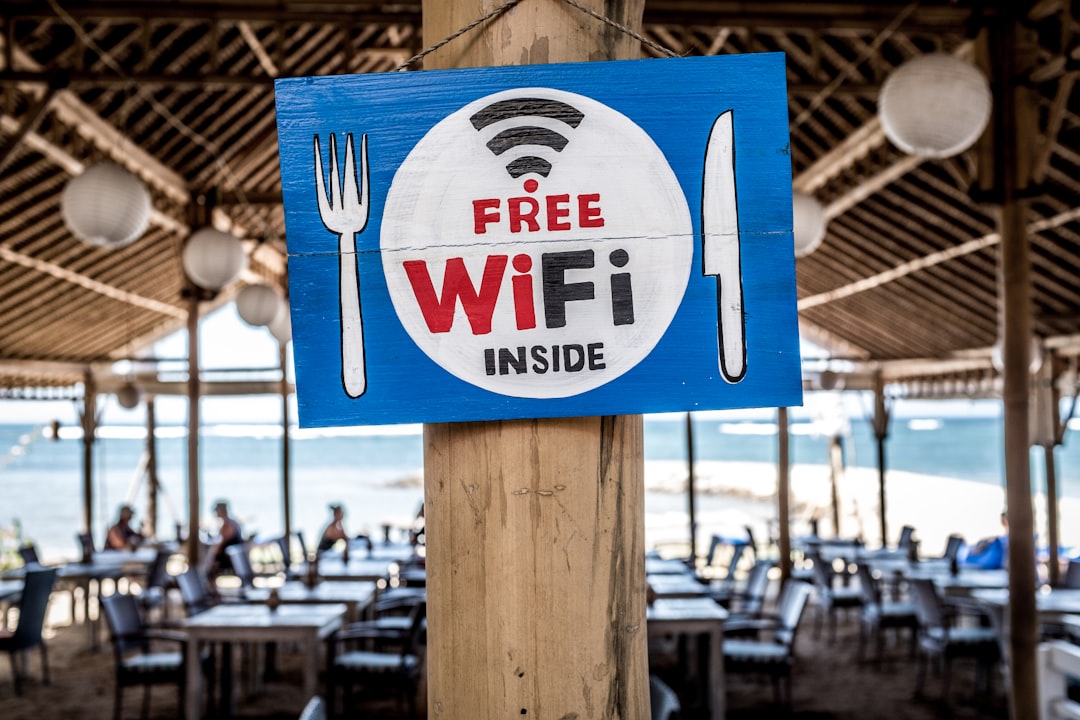
Restaurants, coffee shops and bars often offer free WiFi to their customers. Some establishments put the password on the receipt or provide it verbally when you order something at the counter. If you are a frequent customer, it is even easier, because the employees already know you and provide the password quickly. This is a great way to enjoy a drink and work or study simultaneously.
Apps that Help Find Free Networks
There are specialized applications that map all the free WiFi networks available in your region. Apps like WiFi Map show you exactly where the open connections are, the signal quality, average speed and comments from users who have already tested. You simply open the app, see a map with several colored dots representing the networks, and click on one to get more information.
Another very useful application is OpenSignal, which in addition to finding free WiFi networks, also shows the mobile internet coverage in your area. This way, you can compare speeds and decide which option is best for your time. The app works offline, so you can download the map of your region and consult later without needing mobile data.
WeeFi is another ally in this search, functioning as a directory of certified public networks. It offers a reliable list of locations with free WiFi that have been verified by the community. The advantage is that you avoid suspicious or slow networks, saving time in failed connection attempts.
Using Free WiFi in Public Transport
Many cities are investing in free WiFi on buses, trains and subways as a way to improve the passenger experience. When you enter transport, you search for the available network, connect and ready, you can navigate the entire route. This is a smart way to take advantage of commuting time to read news, answer emails or work on light tasks.
Airports also offer free WiFi, especially in common waiting areas.If you need to wait for your flight or are waiting for someone who is coming, it is easy to connect without spending anything. Some airport networks provide fast and unrestricted access, while others may ask for an email or phone number to register.
Train and bus stations are strategic points where free WiFi is increasingly present.You can take advantage of the waiting time between trips or connections to do something productive. The quality varies greatly, but is usually enough for basic tasks such as sending messages or consulting information.
Telephony Services with Free WiFi Included
Some mobile operators offer access to free WiFi networks as a benefit to their customers. Providers such as Claro, Vivo and Oi have partnerships with commercial establishments that offer their networks for free to those who are customers of the operator. You only need to be registered in the specific network of your operator to take advantage of.
This is an interesting advantage if you already pay a mobile account, because you will be taking advantage of a benefit that often goes unnoticed. Simply activate this option in the settings of your phone and look for the networks made available by your carrier in various points throughout the city.
Safe Settings to Use Free WiFi
When you connect to a free WiFi network, it is important to take security care to protect your data. Avoid accessing sensitive information such as bank passwords, important email accounts or personal data while on public networks. If you need to do this, consider using a VPN (Virtual Private Network) that encrypts your information and protects it from possible interceptions.
Disable file sharing and automatic network detection on your device when connected to free WiFi. This prevents others on the same network from being able to access your important documents, photos, or files.Many operating systems have this option in their privacy and network settings.
Use strong passwords for your online accounts and consider enabling two-factor authentication when possible. This extra layer of security ensures that even if someone discovers your password on a public network, they will still have difficulty accessing your most important accounts.
Frequently Asked Questions about Free WiFi
Many people wonder if it is illegal to use free WiFi that you find out there. The answer is simple: using a free WiFi network that is open to the public is completely legal. Now, accessing a WiFi network of another person without permission, even if the password is weak or easy to find, it is illegal and can generate legal problems. The important thing is to respect the limit between what is offered publicly and what is private.
Another common question is whether free WiFi networks are slow and useless. The truth is that it depends a lot on the location and infrastructure. Some shopping malls and well-structured public spaces offer fairly fast connections, comparable to home internet. Other places can be slower, especially when many people are connected simultaneously. It is best to test the signal before relying on that network for critical tasks.
People also question whether they can trust the passwords of free WiFi networks offered by establishments. Usually yes, especially when the password comes from a reputable place such as a mall, library or well-known restaurant.However, avoid connecting to very generic or suspicious networks such as “WiFi_Open” or confusing names that seem traps. When in doubt, ask the local employee what the official network of that establishment is.
Some users question how long they can stay connected on a free WiFi network. Most public networks have no time limit, you can stay connected as long as you want while on site. However, some networks in stores or restaurants can automatically shut down after a downtime, so you would need to reconnect. Reading the usage policies displayed when you connect helps you better understand the specific limitations.
There is also doubt about whether you need to share personal data to use WiFi free in some places. Many establishments ask for your email or phone number to register, especially in hotels and some restaurants. This information is usually used for marketing, but you can use a secondary email or less important number if you do not want to provide real personal data. Always read the privacy policy before registering.
Finally, people often ask if using free WiFi affects your cellular data franchise. The answer is no, when you are connected to a WiFi network, your mobile data franchise is not consumed. Consumption only happens when you use the mobile internet of your mobile operator. This is one of the main reasons why using free WiFi is advantageous when you have a limited franchise.
Maximizing Your Free Connection
If you want to make the most of the free WiFi networks available, start by downloading a location application like WiFi Map and identifying all the points near your home, work and places you frequent. This way, you will always have an option when your mobile internet is over or when you want to save data. Plan your routine considering these points, such as going through a library or shopping mall when you need to make large downloads.
Use your free WiFi connected time to download offline content that you can consume later without internet. Download articles, videos, documents or even updated applications while on a stable network. Thus, you will have access to this content anywhere, even without free WiFi available, maximizing the productivity of each free connection.
Consider planning tasks that require good connection for times when you are on a free WiFi network of proven quality. If you need to make an important video call, look for a library or shopping mall known for good connection. If you are going to download large files, choose a time when these networks tend to be less congested, such as early morning or late evening on business days.



