Mechanical App: Scan Car Problems
Announcements
Have you ever felt that hassle when you see the warning light turn on on your car dashboard and not knowing what to do? A car troubleshooting mechanics app solves that problem in seconds by connecting to the vehicle’s on-board computer and translating the error codes into useful information you can immediately understand.
Announcements
Vehicle diagnostic technology that was once unique to expensive workshops is now in your pocket, turning anyone into capable of identifying from simple problems to more serious failures in the engine, transmission and electrical systems.This practical guide will show you how to use these digital tools to keep your car running smoothly and save hundreds or even thousands of dollars in unnecessary diagnostics.
How a Mechanics App Works to Scan the Car
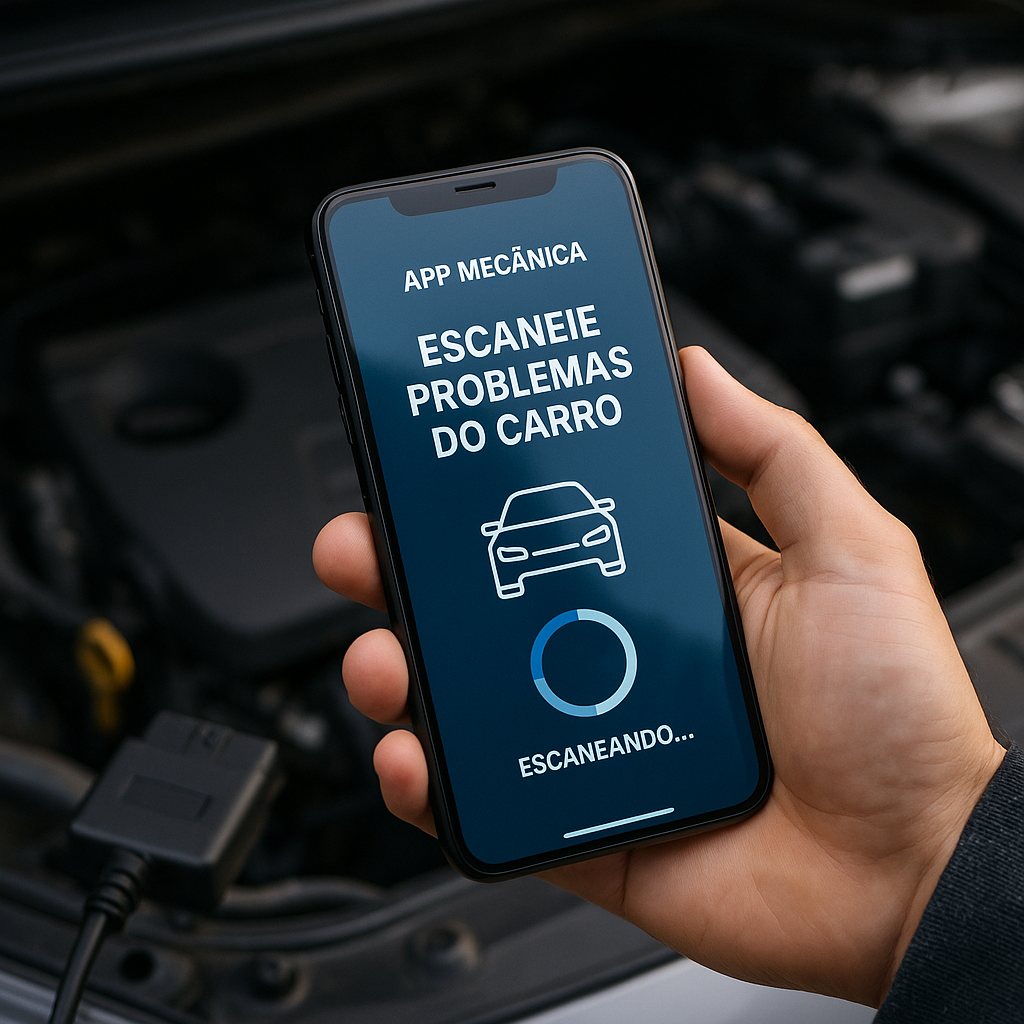
The mechanical application to scan car problems works by means of a connection to the vehicle scanner, a small device that connects to the OBD2 (On-Board Diagnostic) port located under the dashboard of your vehicle. This port was mandatory in cars manufactured from 1996 and constantly communicates with the car computer, recording any anomaly detected. The scanner captures this information and transmits it via Bluetooth or Wi-Fi to the application on your smartphone or tablet.
When you connect the device and open the app, it starts reading the fault codes stored in the vehicle’s onboard system. Each code corresponds to a specific problem, such as a faulty sensor, a worn spark plug or an issue in the emissions system. The application then translates these complex codes (such as P0430 or P0101) into descriptions in plain English, explaining what is happening and what is the level of urgency of the problem.
Step by Step: How to Use a Mechanical App to Diagnose Your Car
The first step is to acquire a vehicle scanner compatible with your need. There are options from basic and cheap scanners (between R$50 and R$150) that read only fault codes, to more advanced equipment (between R$300 and R$1,500) that offer real-time data from vehicle sensors. To begin with, a basic scanner with Bluetooth connection is enough for most users who just want to identify common problems. Make sure that the scanner is compatible with the brand and year of your car before making the purchase.
After purchasing the scanner, download the corresponding mechanics app from your phone’s app store. Most scanners come with a QR code or link that takes you directly to the correct app. Install the app and create an account if necessary, following the instructions provided by the manufacturer. Some apps are free with basic functionality, while others charge a one-time fee or a monthly subscription to access all features, such as diagnostic history and code comparison.
Now locate the OBD2 port on your vehicle, usually found under the lower driver’s side panel, next to the steering wheel. You can refer to the owner’s manual or do a quick search on the internet by typing the make and model of your car along with “OBD2 port”. Turn off the car, insert the scanner into the door until you hear a click, and wait a few seconds until the device connects to the vehicle’s onboard system.
With the scanner connected and the car on, open the mechanics app on your phone. The app will automatically search for the scanner via Bluetooth or Wi-Fi and establish a connection. Once connected, tap the “Scan” or “Read Failure Codes” button to start the diagnosis. The process usually takes from 30 seconds to two minutes, during which the app is collecting information from the car’s computer about any detected problem.
After the reading is complete, the application will display a list of all fault codes found, accompanied by detailed descriptions of what each code means. If there are multiple problems, the app usually prioritizes by severity, highlighting in red the critical problems that can affect the safety or operation of the vehicle. Carefully read each description and write down the codes for further research or to share with a mechanic if you decide to take your car to a workshop.
Key Features You Can Expect
A car trouble-scanning mechanics app offers much more than simply reading fault codes.Most modern apps feature a real-time view of engine parameters, allowing you to monitor engine temperature, fuel consumption, revolutions per minute (RPM) and vehicle speed while they are happening. This feature is extremely useful for identifying abnormal behaviors before they turn into serious problems, such as a sensor reading wrong values or a valve that is not closing completely.
Another valuable feature is the diagnostic history, where the app records each scan performed with the date, time and codes found. This allows you to track the progression of a problem over time and decide whether to seek immediate care or monitor the situation. You can easily share reports with a trusted mechanic, eliminating the need for multiple workshop visits just to establish a diagnosis.
Many apps include an extensive database with information about every possible fault code, explanations about common root causes, and possible solutions. Some advanced apps even let you receive notifications when they detect specific issues, such as an aggressive driving pattern that is hurting the engine or a braking system that requires attention. Code erasure functionality is also available in some apps, allowing you to clear the codes after solving a problem, although this action should be done carefully so as not to mask underlying issues.
Practical Advantages of Using a Mechanical App for Your Vehicle
Financial savings is the most obvious and significant advantage of having a mechanics app to scan car problems. Many workshops charge between R$100 and R$300 just to make a diagnosis with scanner, value that you recover with a single digital consultation.In addition, by knowing exactly the problem before going to the workshop, you prevent the mechanic or the workshop owner from convincing you to make unnecessary repairs or replace parts that could simply be cleaned or adjusted.
Autonomy is another considerable advantage, especially if you like to keep control over your property. You can make diagnoses at any time of the day or night, in your garage or even while traveling on a road. This flexibility means that you can act quickly when a problem arises, potentially avoiding major damage that would result in even more expensive repairs. If you are on a long trip and your warning light illuminates, you can scan the problem immediately and decide whether it is safe to continue driving or whether to seek a workshop.
Education and knowledge are less obvious but equally important benefits. Using a mechanics app regularly, you learn how your car works, what the main systems are, and how to recognize warning signs before they turn into emergencies. This knowledge increases your safety on the road because you become more aware of abnormal vehicle behaviors.In addition, you gain the confidence to know exactly what is being discussed in a workshop, eliminating the feeling of being deceived or overwhelmed with services that are not needed.
Common Issues You Can Diagnose with an App
Issues in the emissions system are among the most common and easily diagnosed by a mechanics app to scan car problems. Codes such as P0420 (Catalyst Efficiency Below Threshold) or P0440 (Fuel Emission Control System Leak) appear frequently and can indicate from a loose fuel cable to a damaged catalyst that needs to be replaced. Diagnosing these problems early can make the difference between a simple and costly repair and a major repair that can cost more than R$2,000.
Sensor problems are also easily identifiable through the app. A faulty oxygen sensor (P0130), an airflow sensor (P0100), or an accelerator position sensor (P0120) usually generate specific codes that the app will translate immediately. These sensors are relatively inexpensive to replace (between R$200 and R$500), but if not correctly diagnosed, you may be wasting fuel or experiencing acceleration failures without knowing why.
Problems in the distribution current and valve control generate codes such as P0010 and P0014, allowing you to know if a critical part is failing before it causes catastrophic damage to the engine. Detecting these problems early can mean the difference between a quick adjustment and a complete engine rebuild. In addition, problems in the automatic transmission, such as failures in the solenoid (codes P0700) or fluid pressure, are also easily identifiable and can be monitored over time to see if they worsen or remain stable.
Practical Tips to Maximize the Effectiveness of Your Mechanical App
Keep regular records of all diagnostic readings you perform, especially if you are monitoring a specific problem. Creating a simple spreadsheet with dates, codes found and any symptoms you noticed helps reveal patterns.If a code appears only occasionally, it may indicate an intermittent problem that is more difficult to diagnose, while a code that appears constantly suggests a permanent problem that requires attention. This history is also valuable if you need to sell your car, as it demonstrates responsible maintenance.
Learn to differentiate between pending and confirmed fault codes. A pending code means that the system has detected something abnormal but still does not have enough data to confirm a real problem. A confirmed code has appeared several times and is a more reliable indication of a real problem.Your app will usually show this information clearly, and understanding the difference prevents you from panicking for a single anomalous read.
Use the real-time data feature of your app to monitor engine behavior while driving. If you notice that fuel consumption (which appears in Liters per Hour) is abnormally high, or that temperatures are higher than normal, you can make diagnoses while you are driving to capture data that reveals the problem. Make sure to do this safely, ideally having someone else in the car looking at the phone while you drive, or waiting for a red signal.
Clean up the fault codes only after you are sure that the problem has been resolved. Some apps allow you to erase codes, but if you do so without fixing the underlying problem, it can mask a serious problem and potentially put you in danger. After making a repair, wait a few days of normal driving before clearing the codes to give the system time to reconfirm that the problem has actually been resolved.
Invest in a decent quality scanner instead of opting for the cheapest option available. Low quality scanners may not be able to read all the codes of your vehicle or may give inaccurate readings. A slightly higher initial investment in a reputable scanner of well-known brand will save you frustrations and diagnostic errors in the long run. Check online reviews and look for scanners with high ratings from users who own the same car model as you.
Combine the use of the app with other forms of diagnosis for a complete image. If the car is dropping smoke, for example, an app can identify that there is a combustion problem, but you also need to physically investigate if there is oil leakage or other visible issues. The app is a powerful tool, but it is better when combined with physical observation, attentive listening to car noises and attention to smells or leaks.
Keep your app software updated regularly as manufacturers continually add new diagnostic codes and improve the accuracy of readings. Many apps automatically notify you when an update is available, but if yours doesn’t, check the app store occasionally. An outdated app may lose codes that have been added to newer vehicles or may have bugs that have been fixed in newer versions.