
Block Unwanted Calls with Free App
Announcements
Do you get dozens of unwanted calls every day? Free apps can block these contacts automatically, saving you time and protecting your privacy.
Announcements
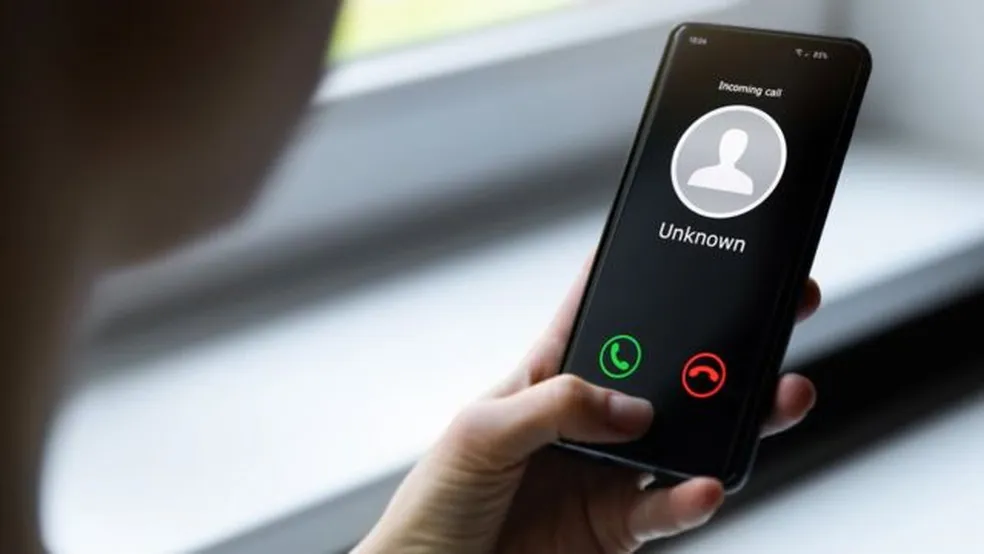
Telemarketing calls, scams and unwanted messages have become a real problem for virtually all smartphone users. The good news is that you do not have to pay anything to protect yourself from this digital invasion.There are powerful and free tools available that you can install right now and start blocking annoying numbers immediately.
Why Unwanted Calls Are a Growing Problem
The volume of unwanted calls has exploded in recent years, especially after the spread of contact databases and the ease of making calls over the internet.Criminals and aggressive marketing companies get their numbers from legitimate or illegal sources and use robots for automatic dialing on a large scale. You end up losing productivity, feeling violated in your privacy and still at risk of falling into elaborate scams.
In addition, many of these calls come from numbers that constantly change or use spoofing techniques to look reliable. This makes it impossible to manually block each of them. Therefore, smart applications with databases of known malicious numbers are your best defense. These apps learn from millions of users and identify patterns of suspicious behavior in real time.
How Free Blocking Apps Work
The best call blocking apps work in tiers. First, they maintain a collaborative database with numbers reported by other users as spam, scams, or telemarketing.When you receive a call, the app automatically checks to see if that number is blacklisted before the phone even rings. Second, they use machine learning algorithms to detect suspicious patterns in new numbers that have never been seen before.
You do not need to do anything manual after installing the application. The lock happens automatically in the background. Some more advanced apps even filter SMS and WhatsApp messages, offering complete protection against unwanted contacts. Most work without consuming too much battery or mobile data, as the scan is done locally on your device or through optimized servers.
Common Mistakes When Trying to Block Unwanted Calls
Many people mistakenly believe that blocking a number individually will solve the problem. This is a mistake because most scammers and telemarketers use hundreds of different numbers. Blocking one by one is like trying to empty the ocean with a bucket. You are spending precious time on a solution that simply does not scale to the actual dimension of the problem.
Another frequent mistake is to rely only on the native features of your operating system.Iphone and Android have basic blocking tools, but they do not rely on collaborative databases or sophisticated machine learning.You need to manually update each lock and still can receive calls from new numbers.A specialized application fills exactly this gap that the operating system leaves open.
Many users also reject blocking apps because they distrust requested permissions. True, you should be cautious, but legitimate apps ask for access to your call log just to compare with their protection databases. They do not sell your personal data because their business model comes from premium users or contextual ads.
Selecting the Right App for Your Needs
Not every blocking app is the same, and you should evaluate some important features before installing. Look for apps that have a large and active community, as this means more data to detect new malicious numbers. Also check if the app blocks international calls, since many scams come from outside the country. Read recent reviews in your phone’s app store and see what real users are saying about effectiveness.
Consider whether you just want automatic blocking or also whitelist mode, where only numbers saved in your contacts can call. Some people need this total flexibility, while others want to simply reject everything they do not recognize. The ideal application also offers reports and statistics for you to view how many unwanted calls have been blocked, which is satisfying and motivating. Choose one that works well with your version of the operating system and do not let it get outdated.
Configuring Your Protection with Maximum Efficiency
After installing the chosen application, take a few minutes to configure correctly. Enable all available protections, including auto-block, spam filter, and suspicious number notifications.Many apps allow you to choose different levels of aggressiveness: lightweight protection rejects only known malicious numbers, while strong protection blocks even unknown numbers with suspicious behavior.
Add numbers manually to your whitelist if you are expecting important contacts from unsaved numbers in your contacts.Your doctor, dental office, or customers can call generic numbers that the app could mistake for spam. After a week of use, you will have enough data to adjust settings as needed. Many users find that they can progressively increase the level of protection without harming legitimate calls.
Practical Benefits of Blocking Unwanted Calls
When you start effectively blocking unwanted calls, the change in your quality of life is immediate. You regain the right to use your phone without constant jolts.Your focus on work, family time, or leisure activities is no longer interrupted by calls from strangers. The feeling of control over your own device comes back, as you decide who can contact you and who can not.
In addition to psychological comfort, you also protect your financial and personal security. Scammers can no longer take you to a call prepared to steal banking information or identity data. Minors in the house are also more secure, as suspicious numbers can not even touch their phones. Their mobile data consumption also decreases slightly, as the device no longer processes hundreds of spam calls that never complete the connection.
Integrating Call Blocking with Your Daily Routine
Use the lock app not as an isolated tool, but as part of a complete digital protection strategy. Combine it with best practices like never sharing your number on unnecessary online forms, using secondary numbers for dubious signups, and being careful when answering messages that ask for data confirmation. These additional layers of protection ensure that you receive fewer and fewer unwanted calls as time goes on.
Regularly monitor your app reports to identify trends. If you notice a burst of calls from a particular region or pattern, this may indicate a new type of scam in circulation. Share this information with friends and family so that they also install the app and contribute their own data. The more people use the same tool, the smarter and more efficient it becomes for the whole community.



