
Free Traffic App for iPhone
Announcements
Choosing a free transit app for iPhone may seem simple, but the variety of options available on the App Store makes this decision more complex than you might think.Each app offers distinct features, different interfaces, and varying levels of accuracy in traffic information, which directly influences your experience when moving around the city.
Announcements
If you are looking to optimize your daily commutes, saving time and fuel while avoiding congestion, you need to understand which apps are really worth installing on your iPhone. This article presents a comparative analysis of the best free transit apps available, helping you choose the most suitable option for your specific urban commuting needs.
Why the right traffic app makes a difference in your day to day
An efficient traffic app saves you much more than time on the route. You reduce fuel consumption, decrease the wear and tear of your vehicle and mainly relieve the stress caused by unexpected queues.The difference between using a good app and not using any can represent hours saved over a month.
Many people still rely solely on their instincts or on information from friends to choose routes, which results in poor decisions at peak times.A free traffic app provides real-time data on congestion, accidents, roadworks and even traffic restrictions, turning you into a more informed and efficient driver.
Google Maps: the classic that remains a reference
Google Maps remains the most popular application for navigation and traffic consultation, and this position is no accident. Integrated with the Google ecosystem, the app offers real-time traffic updates in virtually all Brazilian cities, combining satellite data with information from users who are on the street at that time.
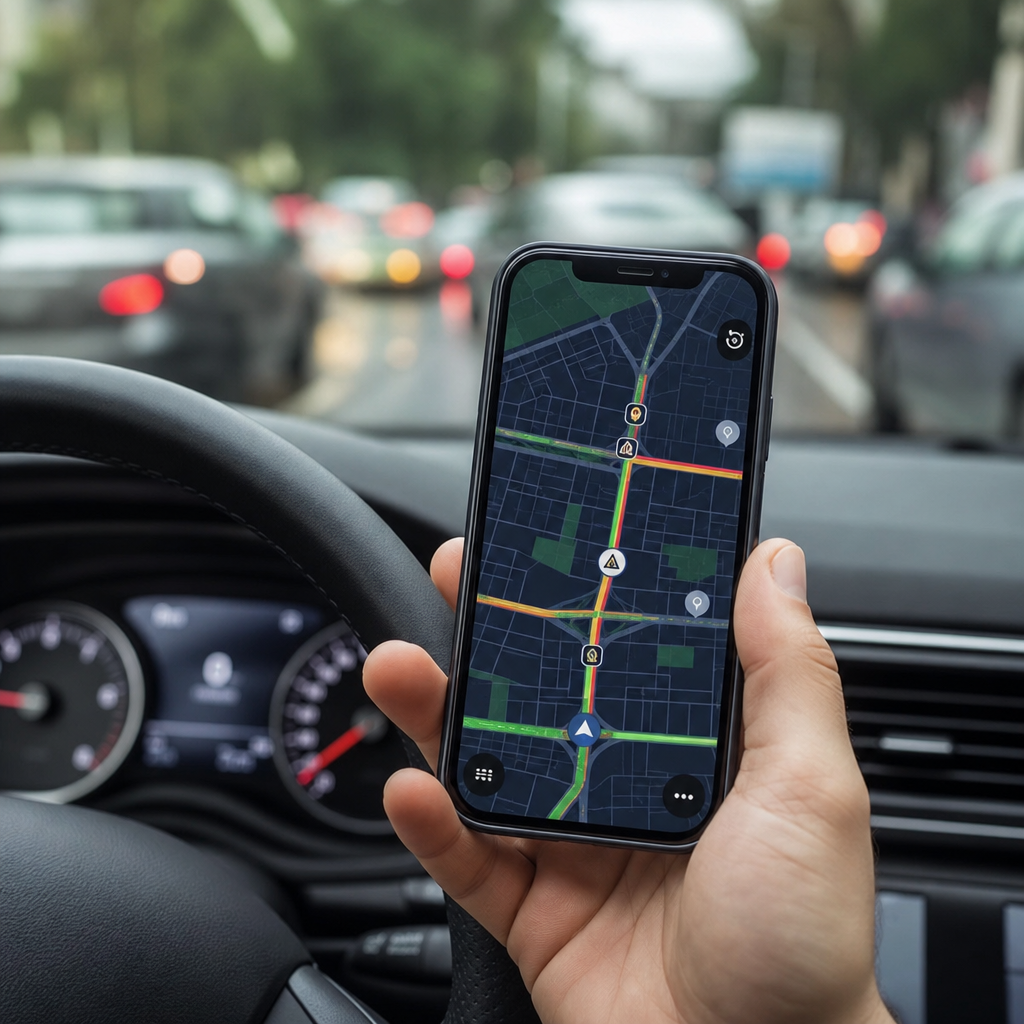
The Google Maps interface is intuitive and familiar to most users, which reduces the learning curve. You view the routes in different colors: green for normal flow, yellow for moderate traffic and red for heavy congestion.The application also suggests alternative routes automatically when it detects problems ahead, saving your time without you having to do anything.
A competitive advantage of Google Maps is the integration with your calendar, contacts and previous searches. You can view the history of places visited, share your location in real time with trusted contacts and even receive reminders of frequent routes. The app works offline for basic queries, an important differential if you are in an area with weak internet signal.
However, Google Maps does not specifically excel in advanced traffic functionality.The app is generalist, serving navigation well, but not offering deep details on congestion patterns or very advanced traffic forecasts.For users who need more complex analytics, other options may be more suitable.
Waze: the community app that prioritizes the driver experience
Waze is the app that differentiates its approach by putting drivers at the center of the experience. While Google Maps works primarily with satellite and sensor data, Waze relies on its community of users to report congestion, accidents, radar and even holes in the lane. This collaborative information makes the app incredibly effective in cities where many people use it.
The Waze interface is fun and gamified, with a game character appearing on the screen and offering motivational messages during your travels. You can customize your avatar, collect points for contributing traffic information and compete with friends. This playful aspect turns navigation into something more engaging, particularly for users who regularly move around the city.
Waze excels at driver-specific features: it warns you about speed cameras, shows you the price of fuel at nearby stations, allows voice messages to your contacts and features an integrated ride-sharing feature.If you are an app driver or travel frequently, these features add real value to your routines. The app also learns from your preferred routes and offers smart suggestions for alternative routes.
Community reliance on traffic data can be a disadvantage in regions with few active users. In smaller cities or rural areas, Waze may offer less accurate information than Google Maps, which uses more varied data sources.
Apple Maps: the bet of Apple on smart navigation
Apple Maps was initially criticized when it was first released, but Apple has completely reinvented the app in recent years.It now offers advanced traffic features that rival competitors, especially since it works seamlessly integrated into the iOS ecosystem of your iPhone.
Unlike other apps, Apple collects less personal data and gives you more control over what is shared. Location information is processed locally on your device when possible, reducing the amount of data sent to company servers.
Apple Maps offers 3D visualization in major cities, real-time traffic information, and even details about accessibility in public places.The app works seamlessly with Siri, allowing you to start navigation with voice commands only.The integration with Apple Watch is also excellent, showing directions on your watch without constantly looking at your iPhone.
The coverage and accuracy of Apple Maps still do not fully reach Google Maps in all regions of Brazil.Some smaller cities have less detailed information, and the history of places visited is not as rich as in Google.If you often travel to less urbanized regions, this limitation can pose a practical problem during your journeys.
Moovit: integrated public transport specialist
If you rely on public transport to move around the city, Moovit is an application that completely changes your routine. While other apps focus on private car drivers, Moovit focuses its mission on users of buses, subway, train and other modes of public transport.
The app calculates routes by combining multiple means of transport, showing exactly which bus to take, which stop to get off at and which metro line to connect to. The delay information is updated in real time because of the large volume of users reporting situations, creating a live and constantly revised database. You see when the bus is arriving, how many stops are missing and how long it will take to your destination.
A valuable feature of Moovit is the notification when you are near your descent point, preventing you from missing the stop. The application also offers information on accessibility in stations and vehicles, facilitating the movement of people with reduced mobility.For those who travel frequently by public transport, these features save time and reduce anxiety during the journey.
Since Moovit is not a car browser, it does not directly compete with Google Maps or Waze in this regard. Public transport users who occasionally rent cars may need to install a second app for these situations, which is not a big problem considering Moovit is free.
Comparison between options: which one to choose
Choosing the best traffic app for your iPhone depends entirely on how you move around the city.If you drive a private car daily, Google Maps offers unmatched reliability and accuracy in virtually every situation.The app simply works well anywhere, providing the information you need without unnecessary complexities.
If you are a frequent driver who wants to save fuel, avoid speeding fines and join a community of drivers, Waze is your best option. The app rewards your contributions with points and offers specific features to reduce travel costs.The gamified interface also makes your commutes more enjoyable, turning stressful situations into more positive experiences.
If privacy is your top priority and you are already integrated into the Apple ecosystem, Apple Maps deserves your consideration. The app offers great navigation, seamless integration with your devices, and superior control over your personal data.For users who own iPhone, iPad, Apple Watch, and Mac, this choice provides cohesion in the experience across devices.
If you rely on public transportation, Moovit is practically mandatory on your iPhone. No other app offers such deep expertise in buses, subway and trains. You can install Moovit as your main commute app and add Google Maps only for occasions where you rent a car or need navigation to drive.
Practical considerations in your daily routine
Before making your final choice, consider how many gigs of data you consume monthly with your internet plan.Google Maps and Waze use data continuously while browsing, while Apple Maps can work with less data thanks to iOS optimization.If you have limited data plan, this difference can impact your monthly budget significantly.
Another important factor is the battery life of your iPhone during long trips. Apps with heavier interfaces and constant updates consume more power. If you make trips that last hours, consider carrying a portable charger or choosing an app that does not drain the battery as quickly as others.
The community of users in your region also influences the quality of information. If you live in Sao Paulo or Rio de Janeiro, both Google Maps and Waze work exceptionally well because many users are constantly reporting traffic.In smaller cities, Google Maps can be more reliable because it depends less on user reports and more on varied data sources.
Your personal preference for the interface and user experience should not be overlooked. Some users love the gamified approach of Waze, while others prefer the simplicity of Google Maps. You can install multiple apps and test each for a few days to determine which best matches your browsing style and your usability expectations.
Also consider your commuting habits throughout the year. If you travel frequently between different cities, Google Maps is more universally trusted throughout Brazil. If your travels are concentrated in the same urban region, Waze may offer better value because your local community is more active. These choices are not immutable, you can change apps as your needs evolve.
Syncing between your devices is another aspect to consider. Apple Maps automatically syncs frequent addresses between your iPhone, iPad, and Mac. Google Maps offers similar syncing through your Google account.If you rely on this sync for greater productivity, choose the app that best integrates with your other devices.
Finally, evaluate whether you prefer a single full-featured app or multiple specialized apps. Installing Google Maps for basic navigation and Moovit for public transportation offers the best functionality for each situation, although it requires managing two apps. Using just one app simplifies your experience, even if it sacrifices a little expertise in specific areas.



