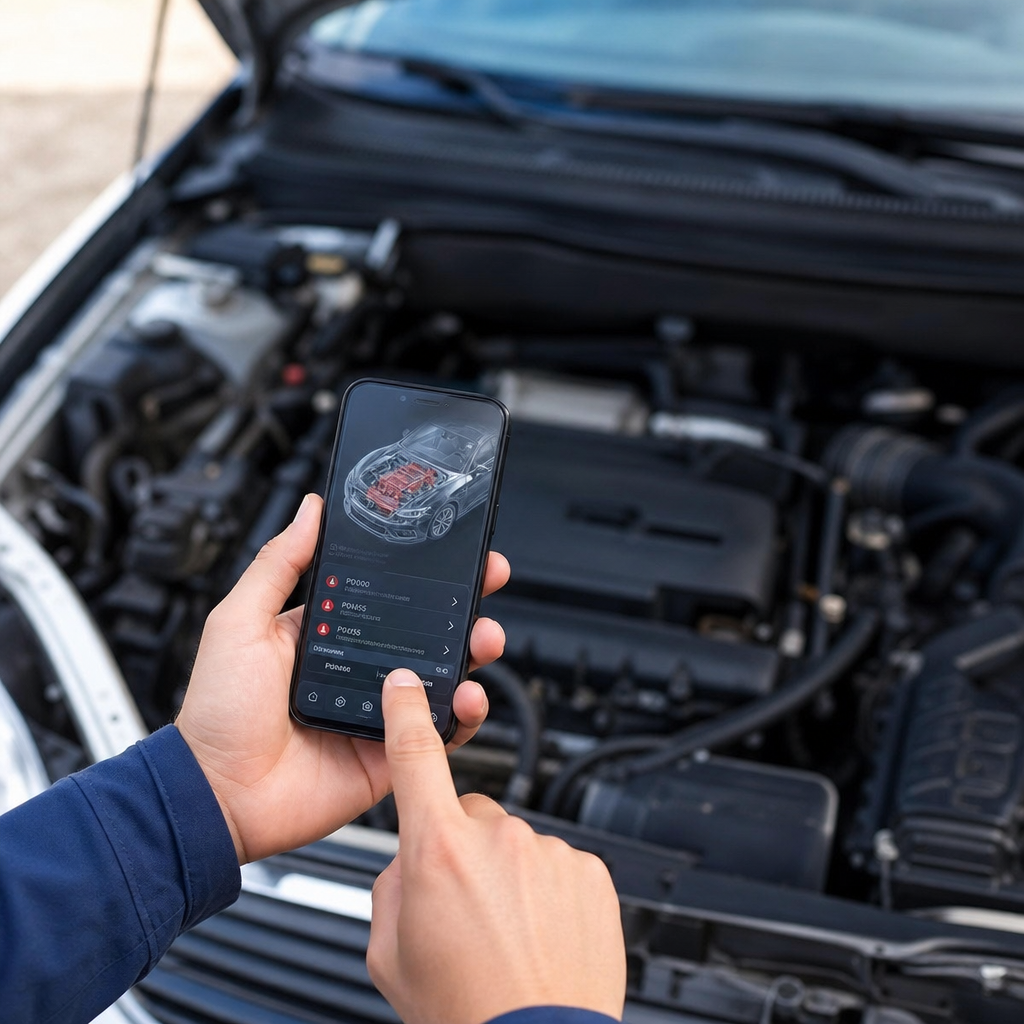
Car Scanner: Detect Defects Without Mechanic
Announcements
Have you ever imagined diagnosing problems in your car before spending unnecessary money on a mechanic? Automotive scanner apps do just that by reading your vehicle error codes directly from your smartphone.
Announcements
Most drivers are unaware that their cars communicate problems through the onboard diagnostic system (OBD). With a suitable scanner app and a simple adapter, you access this valuable information in seconds, saving time and money on expensive diagnostics.In this complete guide, you will find out how these apps work, what are the most common mistakes when using them and how to make the most of this tool.
How a Car Scanner App Works
An automotive scanner app works via a Bluetooth or WiFi adapter that connects to your vehicle’s OBD-II port, usually located under the instrument cluster near the steering wheel.This adapter captures data from the car’s on-board computer and transmits it to your smartphone, where the app interprets it and displays it in understandable language. The process is simple: the device reads the error codes (DTCs) stored in the engine memory and displays information about what is working incorrectly.
The data provided includes real-time information on engine RPM, coolant temperature, fuel consumption, speed and more. You can identify from serious problems such as engine failures to minor issues such as unbalanced sensors or battery problems. This detailed view allows you to get to the mechanic already informed about what really needs to be fixed.
Common Errors When Using Automotive Scanner Apps
One of the most frequent errors is not to properly turn off the engine before connecting the OBD-II adapter. Many users leave the car on while making the connection, which can harm both the adapter and the read data. The correct thing is to completely turn off the engine, wait a few seconds and only then connect the Bluetooth or WiFi device to the diagnostic port.
Another common mistake is to ignore generic error codes and assume that the problem is always serious. Some codes like P0171 (very poor fuel system) can have various causes, from a faulty oxygen sensor to an incorrect air flow. You should search the specific code along with the make and model of your car to get a more accurate diagnosis, as the context of the vehicle significantly changes the meaning of each code.
Many drivers also make the mistake of considering the reading of the application as a final and definitive diagnosis.The scanner provides a valuable clue, but does not replace the experience of a professional mechanic.For example, if the code points to a faulty temperature sensor, the real problem may lie in the electric whip or loose connector, not necessarily in the sensor itself.
Another critical mistake that many make is not to erase the error codes after a repair. When you perform a repair, the old codes remain stored in the vehicle memory and may appear again at the next reading, causing confusion. Most applications offer the function of cleaning the codes, but you should do this only after confirming that the problem has actually been solved.
Data Interpretation Errors and How to Avoid them
A critical error is to interpret real-time data without understanding the operating context of the engine. You can see that the fuel rate is high and immediately assume an injector problem, when in fact the engine is only accelerating above normal. The scanner shows continuous readings, and you need to observe how these readings behave under different driving conditions to make sense of them.
Many users also fail to keep the adapter up to date or when using inferior quality adapters.Cheap devices can provide incorrect or incomplete readings, leading you to wrong conclusions about the state of your car. Investing in a reliable and certified brand adapter saves frustration and avoids misdiagnosis that could result in unnecessary repairs.
The OteApp application, for example, offers an intuitive interface that avoids many of these common errors by guiding the user through more reliable interpretations of the data. It provides contextualized explanations for each error code, associating vehicle model-specific information for greater diagnostic accuracy. This approach significantly reduces the possibility of misunderstandings in the interpretation of raw data.
Choosing the Ideal Scanner App for Your Needs
When selecting a scanner app, you should consider compatibility with your operating system (Android or iOS) and with your vehicle brand. Not all apps work with all cars, especially older vehicles or less common brands.Search reviews from users who have the same car model as you to confirm that the app will provide the features you need.
The application interface is also crucial for a good user experience. An application with disorganized menus and confusing instructions increases the likelihood of you making mistakes when reading or interpreting the data.Search for applications that offer clear explanations for each error code, history of previous readings, and charts that make it easier to see patterns over time.
Also consider whether the app offers technical support when you face difficulties.Some apps have active communities where other users can help with interpreting specific code, while others offer direct service with experts.This help can be extremely valuable when you encounter a rare code or confusing situation that requires additional guidance.
The frequency of updating the application database also matters a lot. New error codes and new interpretations come up regularly as manufacturers release new models and technologies. An application that receives frequent updates ensures that you always have access to the latest and most accurate information available on the market.
Using Scanner Efficiently in Preventive Maintenance
One of the biggest benefits of having a scanner app on your smartphone is the ability to do more effective preventive maintenance. You can regularly check the status of the engine and identify potential problems before they become serious and costly defects.For example, if you notice that the fuel pressure is slightly low, you can take the car to the mechanic for investigation before the engine fails completely.
Taking periodic scanner readings creates a history of your vehicle’s behavior over time.You can establish a pattern of how data normally appears when the car is running well, allowing you to immediately identify any abnormal deviations.
You can also use the scanner to track fuel consumption and engine efficiency in different driving conditions.If you notice that efficiency has suddenly dropped, the scanner can help you identify the root cause quickly.Maybe the air filter is dirty, the engine oil needs to be changed or a sensor is decalibrated, all issues that affect fuel economy.
Another practical application is to use the scanner before taking the car for mandatory technical review or inspection.You can identify in advance any error code that may prevent approval in the emissions test. This gives you enough time to solve problems before the inspection date, avoiding failures and emergency expenses.
Security and Privacy When Using Diagnostic Apps
When you use a scanner app that connects via Bluetooth, you create a connection between your smartphone and the car adapter. It is important to ensure that you are using a trusted brand adapter from a well-known manufacturer, as pirated or dubious quality adapters can pose safety risks. Always choose products from established manufacturers that have a proven track record in the automotive market.
Many scanner apps ask for extensive permissions to access data from your smartphone, such as GPS location, contacts or call history. You should carefully review these permissions and grant only those absolutely necessary for the operation of the app. If an app asks for access to personal data for no apparent reason, it is better to choose an alternative that is more respectful of your privacy.
Some scanner applications offer synchronization with cloud servers for backup of diagnostic data. Although convenient, you should check whether the company has clear privacy policy and how your data is stored and protected.Data about the maintenance history of your car is sensitive information that you may prefer to keep locations on your device instead of sending them to third parties.
Important Limitations of Application Scanners
Despite all the usefulness of application scanners, they have significant limitations that you should know. The biggest one is that they can only read codes stored in the OBD-II system of the car, not having access to more specialized systems such as adaptive suspension, advanced automatic transmission or electric steering systems. If the problem is in one of these secondary systems, the generic scanner will not provide useful information.
Very old vehicles, produced before 1996, do not have the standardized OBD-II system and will not be compatible with most of the available scanners applications. Similarly, certain luxury or imported models use proprietary systems that require specific diagnostic equipment available only at authorized dealerships.
Another important aspect is that not all car problems generate error codes that the scanner can capture. Mechanical problems such as tire wear, slack in suspension or steering problems may be present without any code being registered on the on-board computer. The scanner is excellent for electronic and engine problems, but it does not replace a professional visual and tactile inspection in many cases.
FAQ About Car Scanners and Diagnostic Applications
What is the difference between a basic scanner and a professional scanner? Professional scanners used by mechanics offer much more advanced functionality such as component resetting, programming complex systems, and access to proprietary diagnostic networks. Basic smartphone apps provide reading and interpretation of error codes, serving more for initial diagnosis and preventive maintenance. For deep work, you will still need a mechanic with specialized equipment.
Is it safe to erase error codes from my car using the app? Yes, it is completely safe to erase the codes after confirming that the problems have been solved. However, deleting codes without repairing the underlying problem is just masking the symptom, not solving the cause. The code will reappear the next time the problem occurs. Use the function of deleting codes only as the final step of a confirmed repair.
How often should I use the scanner to monitor my car? For preventive maintenance, you can take readings monthly or at each change of season. If you notice abnormal behavior of the car, taking immediate readings helps to identify the problem quickly. For vehicles with a high kilometer, more frequent readings (weekly or biweekly) offer better protection against unexpected failures that could leave you on hand.
Scanner apps work on new cars with more complex systems? Yes, they work well on new cars, but they may face limitations with manufacturer-specific proprietary systems.Modern cars use multiple communication networks, and not all adapters can access all of them. Before buying an adapter for a new car, confirm that it is compatible with the specific model and offers access to the data you need.
What is the approximate cost of an OBD-II adapter to use with the application? Basic Bluetooth adapters cost between 50 and 150 reais, while more advanced WiFi models range from 150 to 400 reais. The price depends on additional features, manufacturer’s brand and support offered. Many applications are free or have basic version at no cost, with premium features available per monthly or annual subscription.
Can I use a single adapter in multiple cars? Yes, most OBD-II adapters work with any car compatible with the system. You can move the adapter between different cars without problems. However, the application may need to be reconfigured for each specific vehicle to provide more accurate data and interpretations based on the exact model of the car.
Conclusion
Automotive diagnostic scanners represent a powerful tool that puts valuable information within the reach of any driver who wants to be more informed about the health of their vehicle. With the proper knowledge about how they work, what common mistakes to avoid and how to interpret them correctly, you can significantly save on maintenance costs and avoid unpleasant surprises with unexpected repairs. The key is to use the scanner as an initial diagnostic tool and preventive maintenance, not as a substitute for the professional knowledge of an experienced mechanic.
Avoiding the common mistakes discussed in this guide, such as misinterpretation of codes, neglect to update the adapter, and presumption that the scanner is the final word in diagnostics, ensures that you make the most of this technology. By combining the information provided by the application with your own knowledge of the normal behavior of your car, you create an additional layer of protection that keeps your vehicle running reliably for many years.Invest in a quality application, choose a reliable brand adapter, and make periodic monitoring part of your maintenance routine to enjoy a safer, more efficient, and cost-effective car.