
How to free up space and leave your phone faster
Announcements
Your phone’s memory gets filled up quickly with old photos, videos, and apps. Clearing that space is not only about having more storage, but also improving the performance and speed of the device significantly.
Announcements
Many users leave to accumulate unnecessary data on the phone without realizing the impact on performance. When you understand how memory works and how to best organize it, you can keep the device running fast and efficient for much longer.
Why full memory slows down the cell phone
Your phone works like a miniature computer, and when the internal memory gets crowded, the operating system needs to work much harder to perform simple tasks.The processor is constantly looking for available space to store temporary data, causing crashes and slowdowns in applications.
RAM also takes a hit when you have too many apps installed and open simultaneously.This combination of full internal memory with a lack of available RAM creates a perfect backdrop for a slow and frustrating day-to-day mobile phone.
Identify what is occupying your space
Before you start cleaning your phone’s memory, you need to know exactly what is consuming your space. Go to your device’s Settings and look for the Storage or Internal Storage section to see a detailed report of how your space is distributed.
Most modern phones show which apps take up the most space, how many photos you have stored, and how much data is in the system files.This initial diagnosis is critical for you to make smart decisions about what should be removed or rearranged.
On Android phones, you can use Google Files, a native manager that offers automatic recommendations for duplicate files, blurry images, and underused apps. On iPhone, the iCloud Storage section provides similar insights into how your data is organized.
Cleaning up photos and videos: the biggest villain
Multimedia files are the main occupants of space in your phone’s memory, especially videos that can weigh entire gigabytes. Review your galleries regularly and delete blurry, duplicate or otherwise unnecessary photos on your device.
A smart strategy is to use cloud services like Google Photos, OneDrive or Amazon Photos to automatically back up your images before deleting them. This way, you free up space on your phone while maintaining access to photos whenever you need them over the internet.
Videos are particularly heavy and should receive special attention during a cleanup of the phone’s memory. Consider moving important videos to an external disk or cloud storage, keeping only the really essential files on the device.
Intelligent application management
Apps you don’t use regularly take up precious space and may be running in the background consuming battery and processing. Review your list of installed apps and uninstall those you haven’t opened in months or that have duplicate functions.
Some apps accumulate huge caches over time, storing data that could be downloaded again when needed. You can clear the individual cache of each app by going to Settings, then Apps, selecting the app you want, and tapping Clear Cache or Clear Data.
If you like an app but rarely use it, consider uninstalling and reinstalling it when you need to again instead of leaving it sleeping on your phone consuming storage.
Avoid common mistakes in cleaning memory
A frequent error is deleting system files thinking that you are clearing unnecessary space, which can damage the operation of your mobile phone. Always use official cleaning tools or the native Storage section of the operating system to avoid serious problems.
Another common misconception is relying on third-party cleaning apps that promise deep cleaning and massive acceleration, often without delivering real results. These apps can be invasive, collect personal data, or even hurt performance instead of improving, so always choose tools that are trusted and recommended by manufacturers.
Don’t make the mistake of simply ignoring temporary files and cache data, hoping that the phone will automatically wipe when needed. Although the operating system has some automatic management, regular manual cleaning maintains significantly better performance over time.
Many users also delete important things without backing up before, losing valuable photos, contacts and documents in the eagerness to free up fast space.Always make a backup of important data before starting any deep cleaning process or when uninstalling applications that contain relevant information.
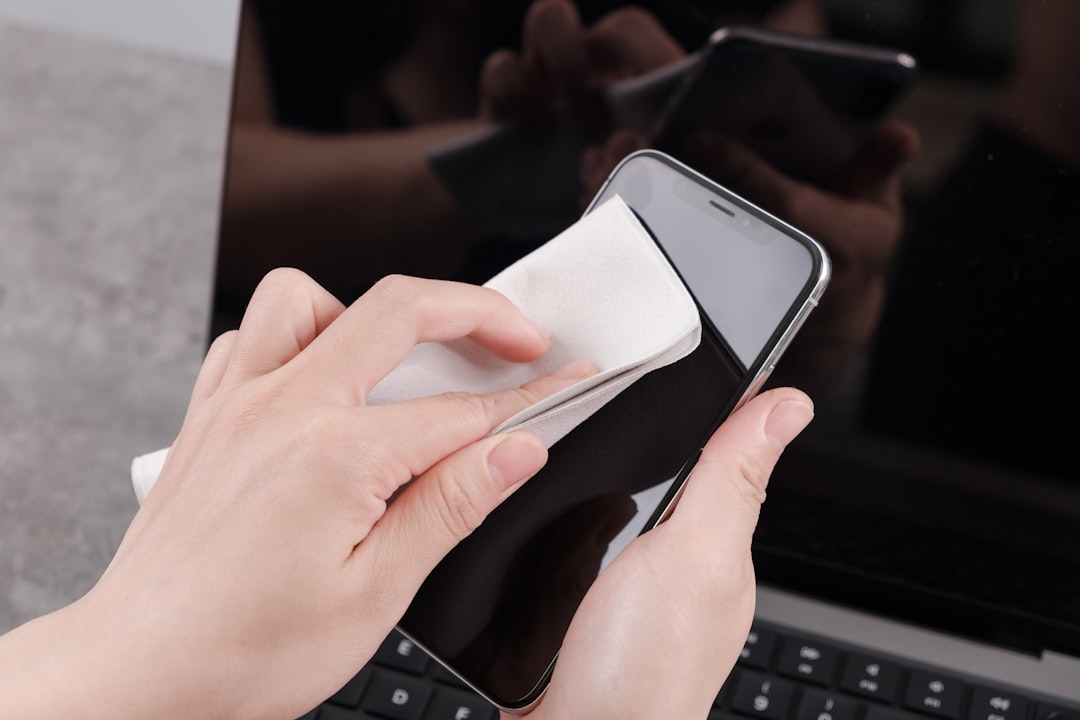
Cleaning temporary files and cache data
Temporary files and cache data constantly accumulate while you use your phone, and cleaning them regularly improves performance without risk. These files are created by applications to load content faster, but take up unnecessary space when they have already been used.
On Android, you can go to Settings, then Storage, and look for a Clear Cache or Auto-clean option that removes temporary files. On iPhone, you can use the Download Unused Apps function that removes apps but keeps your data, saving you space significantly.
Cleaning this data periodically is one of the safest cell phone memory cleaning actions you can perform, as it can always be regenerated when needed. Implement this practice as a monthly routine to keep your device running optimally.
Optimizing the use of cloud storage
Using cloud services efficiently allows you to keep your data accessible without overloading your phone memory. Set up automatic sync for photos, documents, and other important files on platforms like Google Drive, Dropbox, or iCloud.
Most phones allow you to choose which data should be synced automatically, giving you control over how much local space you want to dedicate to each file type. Once you set up the cloud properly, you can delete local versions of the files without losing access to them.
This is one of the most efficient methods of cleaning cell phone memory in the long run, as it combines data security with local space release. Once you master this setting, your full memory problems disappear almost completely.
Continuous monitoring to avoid overcrowding
After doing a thorough cleanup, the next step is to implement habits that prevent excessive data buildup again. Check your Storage section once a month to monitor how data is accumulating and take preventive actions.
Set up reminders to review photos and videos regularly, uninstall unused apps periodically, and keep automatic cloud syncs active.These simple habits prevent your phone from slowing down again quickly after the initial wipe.
The better you manage your phone’s memory, the less aggressive future cleanings need to be, and your device maintains consistently good performance.
Specific features by device type
Android phones have more flexibility for file management through the native File Manager app, allowing you to delete data with greater freedom and control.You can explore the folder structure completely, removing download files, old documents and data from specific apps with precision.
iPhones offer a more streamlined and secure approach to memory cleanup, with automatic system recommendations for underused apps and data-loss-free download options. This approach is especially useful for users who prefer not to engage with technical details of file organization.
Regardless of the type of mobile phone, understanding the native tools offered by the manufacturer is always better than resorting to third-party applications to clean the memory of the mobile phone. The developers of the operating system know better how data is stored and managed, offering more secure and effective solutions.
Preventive practices for the long term
Once you’ve cleared space and improved your phone’s speed, establish practices that maintain this optimal condition. Disable automatic syncing of apps you don’t use often, review your backup preferences periodically, and keep your apps up to date.
Updated apps often solve efficiency issues and take up less space when developed with recent optimizations. Allowing these automatic updates when connected to Wi-Fi ensures that your phone always runs optimized versions of apps without you having to manually manage.
Finally, understand that cleaning your cell phone memory is not a one-time, but continuous process that keeps your device healthy over time.The sooner you implement these habits and avoid the common mistakes mentioned, the longer your mobile keeps the fast and responsive performance you want.



