
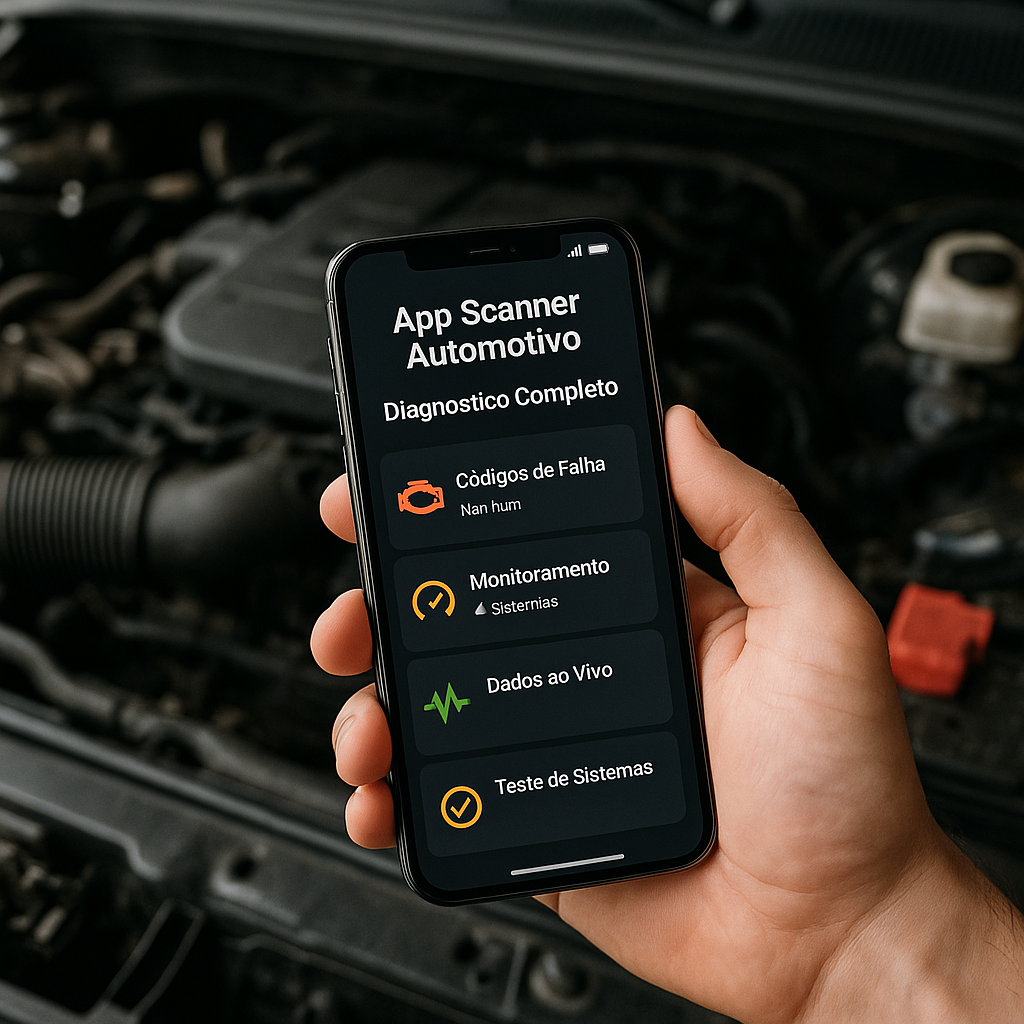
Automotive Scanner App: Full Diagnosis
Announcements
An automotive scanner app transforms how you diagnose vehicle problems. This tool reads your car’s error codes and offers practical solutions without needing expensive workshop visits.
Announcements
Automotive diagnostic technology has evolved a lot in recent years, moving from expensive professional equipment to affordable applications on your smartphone. You can now identify mechanical, electrical and computational problems accurately, saving time and money on preventive and corrective maintenance.
How an Automotive App Scanner Works
The automotive scanner app connects to the OBD-II (On-Board Diagnostic) port of your vehicle via a Bluetooth or WiFi adapter.This adapter acts as an intermediary between your car computer and your smartphone, allowing you to read the data in real time. Most cars manufactured after 1996 have this port, making this solution compatible with almost any modern car.
When you connect the adapter and open the application, the scanner begins communication with the vehicle’s power station. The app sends specific commands and receives responses containing detailed information about the operation of each system. This data exchange occurs in seconds, allowing you to instantly view any anomaly on the smartphone panel.
The data processing takes place in the application itself, which translates the technical codes into language accessible to the average user. Each error code is accompanied by explanations about what it means, which system was affected and what the possible cause of the problem is. Some more advanced apps still suggest corrective actions and estimate repair costs.
Key Features You Need to Know
Reading error codes is the most important feature of any automotive scanner. When the engine check light comes on the dashboard, the app immediately identifies the code responsible.You find out if it is a simple problem like open fuel cap or something more complex that requires professional attention.
Real-time monitoring provides continuous data on the performance of your vehicle as you drive. You access information such as speed, engine speed, coolant temperature, fuel pressure, instant consumption and more. This visibility allows you to detect changes in behavior before they turn into major breakdowns.
Error code cleaning is a function that erases errors registered in the vehicle memory. After you solve the mechanical or electrical problem, the app cleans these codes to zero the system.Important: you should only clean the codes after actually fixing the problem, otherwise the error will reappear quickly.
Diagnostic reports consolidate all the information collected into one understandable document.Many apps generate PDFs with reading history, detected issues, and maintenance recommendations.You can share these reports with your trusted mechanic so that he has complete context before starting any work.
Maintenance history allows you to record all interventions performed on your car. You document which problem was solved, when it occurred and how much it cost. This systematic monitoring helps you identify fault patterns and better plan the future maintenance of your vehicle.
Essential Checklist to Choose your Automotive Scanner App
Before downloading any app, you should check that it offers full compatibility with your specific vehicle. Some apps work best with certain makes or models of car. Access user reviews that have the same model as yours and confirm that the experience was satisfactory before making the purchase.
Here is the complete checklist you should follow when evaluating an automotive scanner app:
Hardware Compatibility: Make sure the app works with OBD-II Bluetooth and WiFi adapters. Confirm that it is compatible with iPhone and Android or just one of the systems. Make sure that the adapter you already own or intend to buy works with the chosen app. Test the connection before making the final purchase, if possible.
Vehicle Coverage: Search if the app supports the make, model and year of your car specifically. Visit the developer’s website and look for a detailed compatibility list. Read the reviews of users who exactly own your vehicle. Contact the app support to clarify questions about compatibility before investing.
Translation Quality: Open the free version and browse the interface to check if it is in clear and intelligible Portuguese. Analyze if the names of the systems and technical parameters are well explained. Confirm that the error messages have detailed descriptions in Portuguese. A bad translation can impair your understanding of the diagnosed problems.
Community Resource: Check if the app has a forum or community of users where you can ask questions. Check for certified technicians who answer questions for free. Check if there is integration with social networks to share experiences. An active community indicates that the app is reliable and well maintained.
Privacy Policy: Read the privacy policy of the application thoroughly before connecting it to your car. Understand what data is collected, how it is used and whether it is shared with third parties. Check that the company offers adequate protection of sensitive information of your vehicle. Choose apps from recognized developers and with clear transparency.
Cost and Business Models: Identify if the app offers a free version with essential features or if it is fully paid. Analyze the value of premium subscriptions and whether they are really worth using. Find out if there is a single payment plan or only recurring subscription. Compare prices between different apps before deciding which offers better value for money.
Reviews and Comments: Download the app and check the reviews in the app store of your operating system. Read user reviews that describe practical and real experiences. Note if there is a pattern of complaints about bugs or technical problems. Prioritize apps with a rating above 4.5 stars and with a significant number of reviews.
Advanced Diagnostic Features: Analyze whether the app offers real-time monitoring of multiple parameters simultaneously. Make sure it has testing capabilities of sensors and actuators individually.Seek to know whether it includes predictive failure analysis or only reactive diagnostics.More complete apps offer the ability to perform specialized testing on specific systems.
Interface and Usability: Test the navigation of the app and confirm that it is intuitive even for users without technical knowledge. Check that the graphics and data are presented in a clear and easy to understand way. Try to know if there is option of customization of panels and data displayed. A well-designed interface significantly reduces the learning curve.
Technical Support Available: Identify which support channels the developer offers (email, chat, phone, FAQ). Check the average response time and the quality of responses in user reviews.Seek out whether there are video tutorials or full documentation in English. Good technical support is essential when you face problems or questions during use.
Regular Updates: Check how long the app was last updated in the app store. Read the release notes to understand what improvements are added regularly.Seek out if the developer maintains support for older versions of Android or iOS. Well-maintained apps receive frequent updates to fix bugs and add new features.
Offline Features: Check if the app allows you to access basic information and history when you are not connected to the internet. Identify if it is possible to synchronize data for further analysis.Make sure that the data loaded remains on the device for future consultation. This functionality is important for users who work with the car in areas without internet coverage.
Preparation and Initial Setup of the App
When you receive your OBD-II adapter, the first step is to fully charge its battery if you are a model with an internal battery. Many Bluetooth adapters have a rechargeable battery that must be full to function properly during diagnostic sessions. Consult your specific adapter’s manual to understand the recommended charging time before first use.
Locate the OBD-II port of your vehicle, which is usually below the steering wheel on the left side of the dashboard. Some cars have a cover that you need to remove before inserting the adapter. Turn off the car completely before connecting the adapter to avoid power surges that could damage the equipment. Insert the adapter firmly until you hear a click or feel adequate resistance.
Turn on the car in accessory mode (key in the first position) or with the engine on, depending on what your app manual recommends. Turn on Bluetooth on your smartphone and look for available devices. Search for the name of your OBD-II adapter in the list of Bluetooth devices and select it to pair. You may need to enter a default password such as 1234 or 0000, as specified in the adapter manual.
Open the automotive scanner app on your smartphone and look for the option to connect to the adapter. The app should automatically detect the adapter already paired and establish the connection. Wait a few seconds for communication to be established between the app and the electronic center of your vehicle. Once connected, you will see confirmation on the screen and you are ready to start the diagnosis.
During the first connection, some apps ask for basic information about your vehicle such as make, model and year. Fill in this data accurately so that the app can correctly interpret the error codes specific to your car. Some apps allow you to register multiple vehicles, making it easier to diagnose if you work with multiple cars or have more than one car in the family.
Using the App for Diagnosis in Real Scenarios
When the engine check light comes on, you are facing an issue that deserves immediate diagnosis. Connect the adapter, open the app and initialize an error code reading. The app will return all codes registered in the vehicle memory, from active failures to history of previous problems. Some apps visually differentiate active errors from historical ones, helping you focus on the current problem.
Suppose the code P0171 is identified, indicating very poor fuel mixture. The app describes that this means the system detected more air than fuel in the combustion chamber.Possible causes include air leakage in the intake manifold, dirty MAF sensor, weak fuel pump or clogged injector. You now have enough context to talk to a mechanic or investigate the cause on your own if you have technical knowledge.
For intermittent problems, you use real-time monitoring while driving the car. Observe the data continuously while the problem occurs, seeking any abnormal change in parameters. If the failure happens only in certain conditions (when accelerating, idling, cornering), the app records this data allowing you to identify the pattern. This information is pure gold for a mechanic to investigate the root of the problem.
When you perform preventive maintenance, use the app to confirm that all systems are running within normal parameters. Check engine temperature, fuel system pressure, battery health, and operation of all sensors. This routine check helps you detect incipient problems before they become costly malfunctions. Document this data in the app history for future comparison.
If you are considering buying a used car, the car scanner app is a valuable tool to assess the history of vehicle problems. Connect to the car and check for any error code stored in memory. Seek to know if there are pattern of recurring failures that indicate structural problem. A car with many historical codes may have hidden problems that will manifest after you purchase it.
Interpreting Data and Making Informed Decisions
OBD-II error codes follow a standardized international standard, always starting with the letter P followed by four digits. The first digit indicates the system category (P0 for engine and transmission, P1 for manufacturer-specific code). The following digits identify exactly which component or sensor failed and what type of problem was detected. Understanding this structure helps you to assess the seriousness of the problem quickly.
Codes that start with P0 are generic problems that affect most vehicles, while P1, P2, and P3 codes are manufacturer-specific.For example, a Fiat may have different interpretation for the same code as a Chevrolet.It is therefore important that your app specifically recognizes your car’s brand to provide accurate diagnosis.Search for additional information on your brand owners’ forums for more detailed context.
The severity of problems varies enormously, from simple warnings to failures that can permanently damage the engine. Some codes indicate minor issues that only affect emissions and performance, allowing you to continue driving safely until the next maintenance. Others warn of serious problems such as brake system failure or engine knock detection, situations that require stopping immediately and seeking professional repair.
When you view multiple simultaneous error codes, try to identify whether they are related or independent. A failure can cause cascading secondary failures, where the app shows multiple codes but only one is the root problem. For example, MAF sensor failure can register in addition to the sensor code itself, also poor mixing codes and irregular ignition. Focusing on the primary code saves time and money.
Continuous monitoring of engine parameters will reveal changes in the behavior of your vehicle before they become evident when driving. If the engine temperature begins to rise gradually over weeks, the cooling system may be losing efficiency. If fuel consumption increases noticeably, there may be clogging in the injectors or problems with ignition.
Practical Advantages You Get with an Automotive Scanner
Financial savings are probably the most obvious benefit when using an automotive scanner app. Diagnostics in workshops cost between one hundred and three hundred dollars often, especially if you need to do several different evaluations.With one app, you perform unlimited diagnostics after the initial investment in the adapter, saving hundreds or thousands of dollars over the years of vehicle ownership.
Owner empowerment is another significant advantage that you experience. Instead of blindly trusting what the mechanic says, you get first-hand information about the real state of your car. This transparency allows you to make more effective negotiations, seek second opinion when doubtful and make informed decisions about repairs.
Safety increases when you can detect incipient problems before they become dangerous. A fated brake system, faulty airbags or compromised structure are critical situations that deserve immediate attention.The app allows you to identify these problems early, before they put your life at risk on the road. This early detection is especially valuable for older, heavily used vehicles.
Increasing the longevity of your vehicle results from more systematic and data-driven maintenance. Instead of just following the manufacturer’s preventive maintenance schedule, you can add actions based on real diagnostic information. You identify and solve small problems before they turn into larger breakdowns that damage nearby components. A well-maintained engine can last much longer years beyond the expected mileage.
Reliability and driving comfort improve when you keep the car operating in optimal conditions.Variable ignition problems, air leakage and faulty sensors affect driving performance and smoothness.With regular diagnostics, you keep the car running at its best every time, offering a more enjoyable and efficient driving experience.



