
See Messages With Parental Control
Announcements
Monitoring your children’s conversations is a challenge many parents face in the digital age.The need to protect their children without completely invading their privacy creates a constant dilemma, especially when you don’t know where to start or which tool really works.
Announcements
You will find out in this article how to view messages with parental control efficiently, avoiding the most common mistakes that harm the family relationship and compromise digital security.We will approach practical techniques, reliable tools and, especially, the mistakes that many parents make when trying to monitor the online activities of their children.
Understand Why Monitoring Conversations Is Different from Spying
The distinction between responsible parental monitoring and invasion of privacy is more tenuous than you might think. When you seek to see messages with parental control, the goal should be to ensure the safety of the child, not simply to know all of his personal secrets.
Effective monitoring involves setting clear and transparent boundaries from the start.Your child should know that you are following their online activities, and this is not presented as punishment, but as a protective measure.When the child understands the real purpose of parental control, he tends to cooperate better and even report suspicious behavior voluntarily.
Many parents make the mistake of installing monitoring applications in secret and then pretend that they do not know anything about the messages found. This attitude breaks trust quickly and creates a family environment based on mutual distrust. Transparency therefore becomes your most powerful ally when implementing any parental control system.
The Most Common Mistakes When Using Parental Control
The first mistake you are likely to make is choosing a tool that is unsuitable for your child’s age.There are different apps for young children, pre-teens and teens, and each offers distinct levels of monitoring.If you select a very strict app for a teenager, you risk appearing overly controlling and provoking contouring behaviors (such as using borrowed cell phones or more discreet apps).
Another frequent error is not to correctly configure the permissions and alerts on the parental control platform.Many parents download an application, randomly activate some functions and then ignore the notifications they receive daily. Without a clear strategy of how you will react to the alerts, the whole system becomes useless. You need to define in advance what constitutes a worrying behavior and how you intend to approach the child about it.
Establishing rules without context is also a serious misconception that you should avoid.Your child may see randomly blocked conversations or restricted apps without understanding exactly why each restriction exists.When you explain that certain apps are blocked because they are known to online predators, for example, the child understands the purpose and collaborates better than if you simply say “cannot use”.
Not updating your parental control policies as your child grows is another mistake that compromises the success of the system. A 16-year-old does not need and should not have the same level of restriction as a 10-year-old.As your child demonstrates responsibility and understanding about online safety, you should gradually relax monitoring, signaling that you trust him.
How to Access and View Messages Responsibly
When you decide to access your child’s messages, the first step is to choose the right monitoring platform. Apps like OteApp, Google Family Link, Apple Screen Time and other solutions offer different ways to view conversations.Each tool has specific limitations, so it is crucial to understand exactly what each can show before investing time and money.
OteApp, for example, allows you to see messages from multiple platforms in a consolidated way, creating a single monitoring dashboard. This eliminates the need to check each application separately on your child’s mobile, saving time and making the process more efficient.However, you need to ensure that your child’s device has adequate access and that the application is configured with the necessary permissions.
When viewing messages, you make a common mistake if you read only the latest conversations. Teens often delete conversation histories after suspicious activities, then you need to review the general pattern of behavior over time. If your child was talking normally with friends and suddenly begins to use encrypted language or drastically reduces the frequency of messages, this may indicate something worthy of further investigation.
Set up a regular schedule to review conversations rather than making random or obsessive checks.Constant daily reviews can seem invasive and counterproductive, while weekly reviews offer a balance between security and respect for privacy.
Identify Warning Signs in Conversations
You should develop the ability to recognize troubling patterns in conversations without panicking for every slightly awkward message. Teens naturally explore different identities, use slang and test boundaries through online conversations, so not everything that looks suspicious is really dangerous.
Genuinely troubling signs include conversations where someone asks for personal information like address, phone number, or details about when their parents leave home. Equally disturbing is when someone tries to isolate their child from friends or convinces the child to keep secrets about communication. Grooming online usually follows a pattern where the adult builds trust slowly, offers virtual gifts or excessive attention, and then begins to request more personal things.
When you identify a legitimate warning sign, avoid the mistake of confronting your child in an accusatory way. Approach with genuine curiosity, asking who this person is and how they met another. Often, completely innocent explanations emerge from these conversations, and you strengthen the relationship by showing that you trust your explanation before judging. If the situation really seems dangerous, look for specialized resources such as cyber police stations or digital security centers.
Drastic behavior changes also deserve attention, even if conversations alone seem normal. If your child has become more reclusive, has gone to hide the cell phone constantly, or shows signs of depression or anxiety, this may indicate that something is happening online. Sometimes cyber bullying or peer pressure leaves no obvious traces in conversations, but manifests itself in the general emotional state of the child.
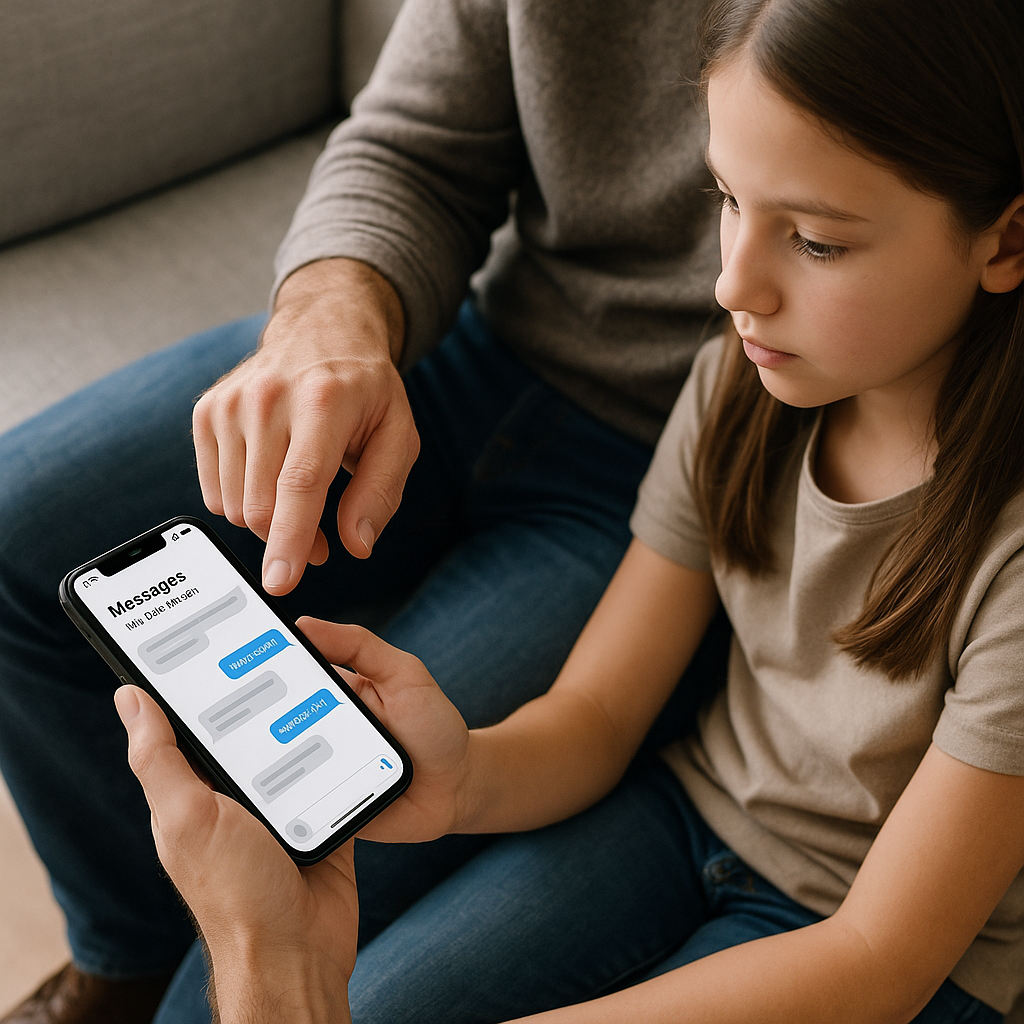
Setup Smart and Automatic Alerts
One of the most powerful features of modern parental control is the ability to set up automatic alerts based on specific keywords or behaviors. You do not have to read each message in person if the system notifies you when something suspicious happens.However, many parents make the mistake of setting up lists of keywords that are too broad or inappropriate for their child’s age.
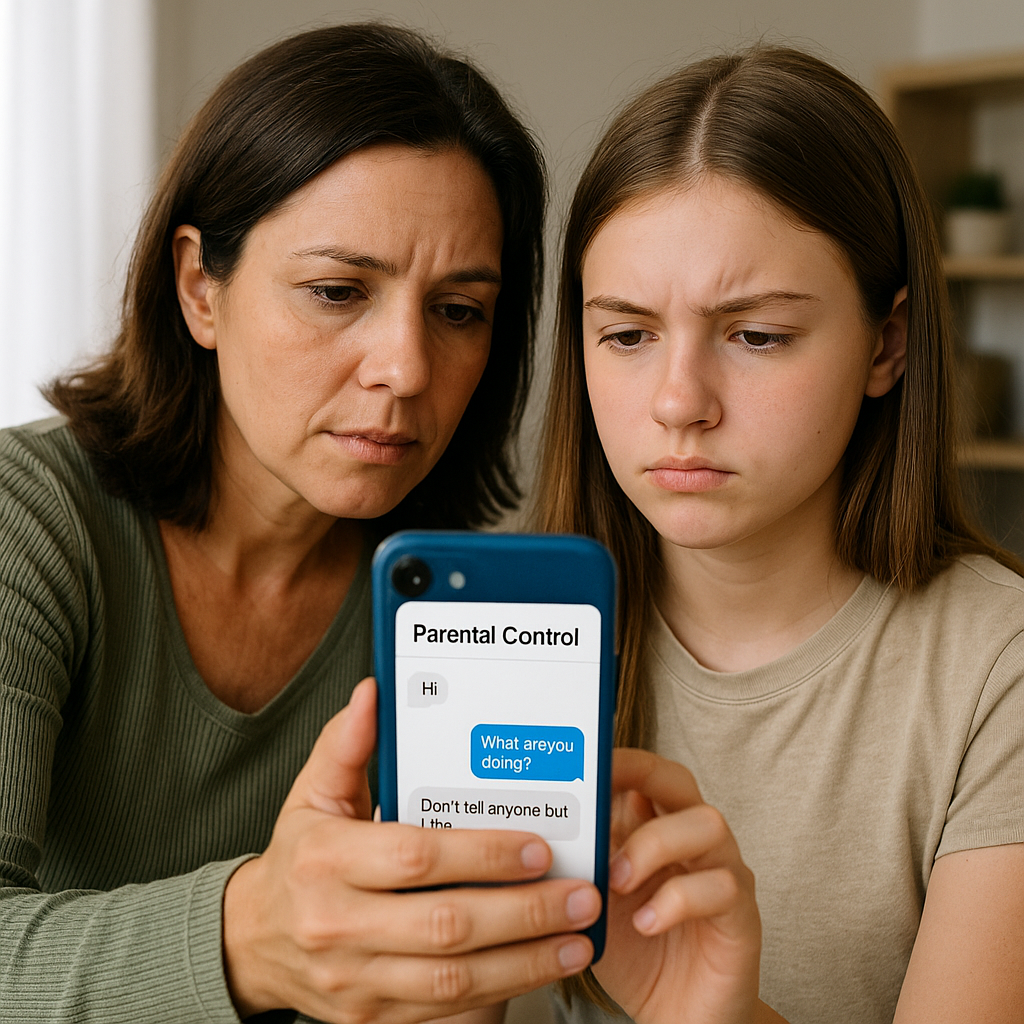
Innocent words can be misinterpreted if you do not properly calibrate your filters. For example, words related to dating or sexual curiosity are completely normal in adolescent conversations and should not necessarily generate alarms. You need to focus on words related to abuse, exploitation, drug sales, or references to dangerous encounters with strangers online. Research which keywords really indicate danger before setting up your alerts.
OteApp and similar tools allow you to customize categories of alerts by creating different profiles for children of different ages. Take advantage of this functionality to adapt the system to your specific child. A preteen may need more restrictions while a young adult close to turning 18 requires less intrusive monitoring centered on genuinely dangerous topics.
You also make an error when ignoring repeated alerts or disabling the system because you receive too many fake notifications. If the system is generating too many notifications, adjust the settings instead of simply turning everything off. A well-configured alert system should notify you only occasionally about real situations of concern, not constantly about normal activities.
Open Communication: The True Secret of Effective Parental Control
No parental control app replaces a genuine and regular communication with your child about online safety.You can see all the messages in the world, but if your child does not feel comfortable coming to you when something scary happens, the whole system fails. Establish regular conversations about online dangers, cyberbullying, sextortion and predators, always with age-appropriate language.
Many parents make the mistake of making these conversations seem like a moral lesson or judgment, when in fact they should seem like a genuine dialogue. Ask your child what he or she is seeing online, who are your friends on messaging apps, and how he or she would handle uncomfortable hypothetical situations. This approach allows you to better understand the online world your child inhabits and provides opportunities to educate without appearing overly controlling.
Creating a written agreement on device usage and monitoring expectations may seem formal, but it offers clarity for both sides.Your child knows exactly which apps will be monitored, how often you review messages, what behaviors will result in action, and what consequences to expect if you break the rules.
When you discover something troubling in messages, such as teen sending inappropriate messages or contacting strangers, use the information as a starting point for an educational conversation, not as a basis for immediate punishment.Your initial response will be remembered forever and will determine whether your child will trust you in the future or simply become more secretive and skilled at hiding activities.
Choosing the Right Tool for Your Specific Needs
The market offers dozens of parental control apps, and each has specific strengths and weaknesses.Google Family Link is great for Android and offers full control of apps and screen time, but offers limited functionality for viewing messages.Apple Screen Time works well within the Apple ecosystem, but does not monitor messages from third-party apps effectively.
Platforms like OteApp, Qustodio, and Net Nanny offer more comprehensive monitoring including conversation viewing, content blocking, location tracking, and screen time tracking. When you evaluate these tools, specifically consider what features you really need versus what are just unnecessary extras. If your primary goal is to see messages to identify potential grooming, a tool with excellent message monitoring but limited location tracking may suffice.
One mistake you will avoid is choosing the most expensive or most popular tool without actually testing it. Many providers offer free trial periods or money-back guarantee, allowing you to evaluate whether the platform works with your specific devices and offers the functionality you need. Install the tool, configure it completely, and spend a few days using it before you decide to buy it for a longer period.
Multi-device compatibility is crucial if your child uses both phone and tablet. You do not want to find out that the app only works on one device and that your child simply migrated all of their activity to the platform that is not being monitored. Also check that the tool continues to receive updates from the developer, as abandoned applications eventually fail as operating systems are updated.
Cost considerations also matter, but the lowest price is not always the best value. A free app that does not work or offers improper monitoring wastes your time, while a reliable paid tool offers peace of mind over time.Many reputable providers charge between 10 and 20 reais per month for basic functionality suitable for most families.
The security and privacy of the parental control platform itself also deserves consideration.You are relying on a tool with access to the most sensitive data of your family, so research the developer’s reputation, read independent reviews, and make sure the company has clear policies on how your data is stored and protected. It is not uncommon for poorly designed parental control tools to cause more security problems than they solve.
You should also consider the ease of use of the platform, not only for you, but also to explain to your child. If the application is too complicated to set up or understand, you can abandon the frustrated project before extracting its full value.Intuitive interfaces with clear instructions save time and increase the likelihood of you keeping the system running consistently over the months.



